
Solid State Logic SSL 12 12x4 USB-C Audio Interface





zZounds Gear Experts Say...
SSL's bigger, better desktop interface boasts 12x8 I/O including 4 preamps with 4K switches for instant analog color, a built-in talkback mic, and much more!
Overview
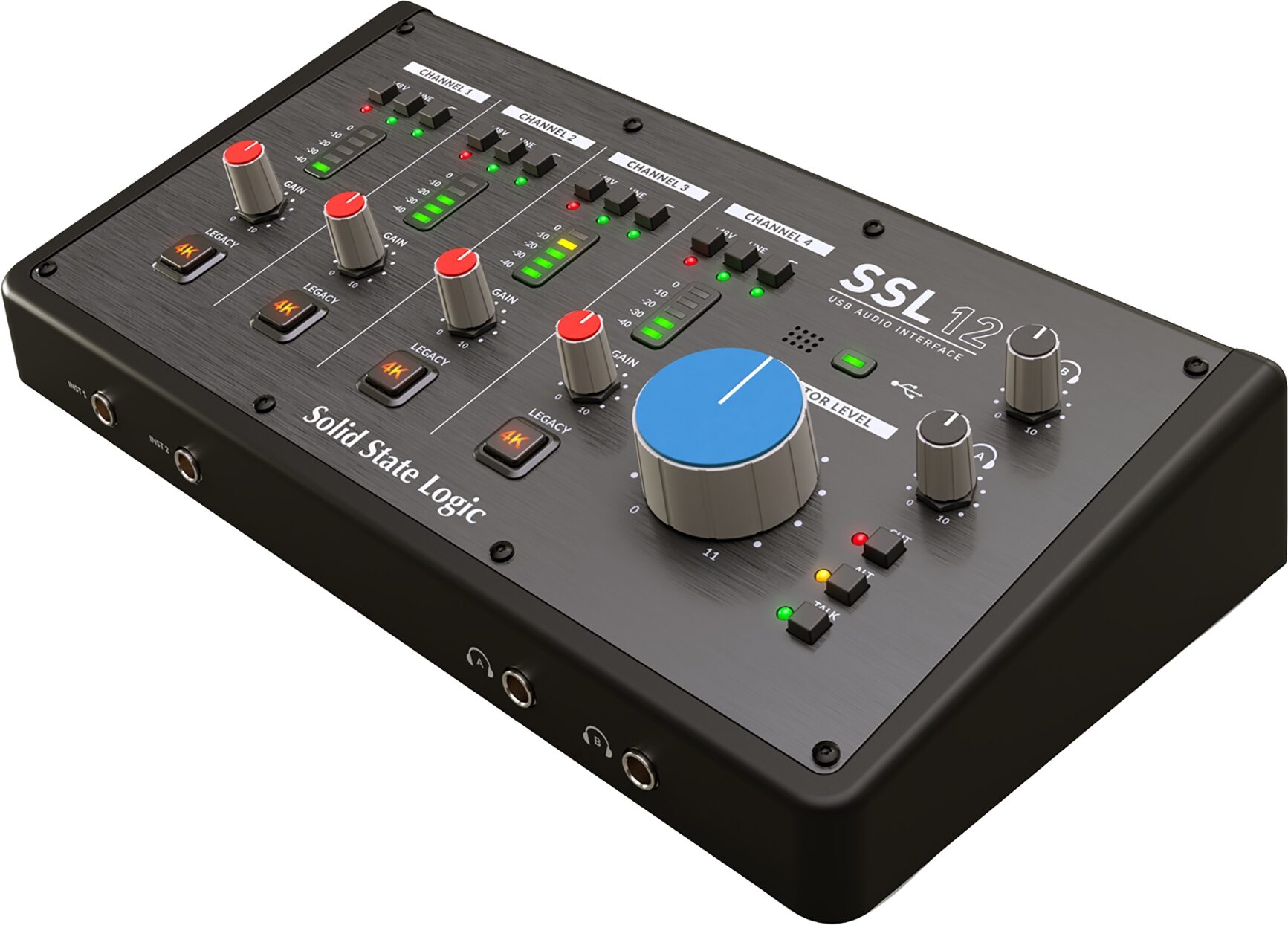
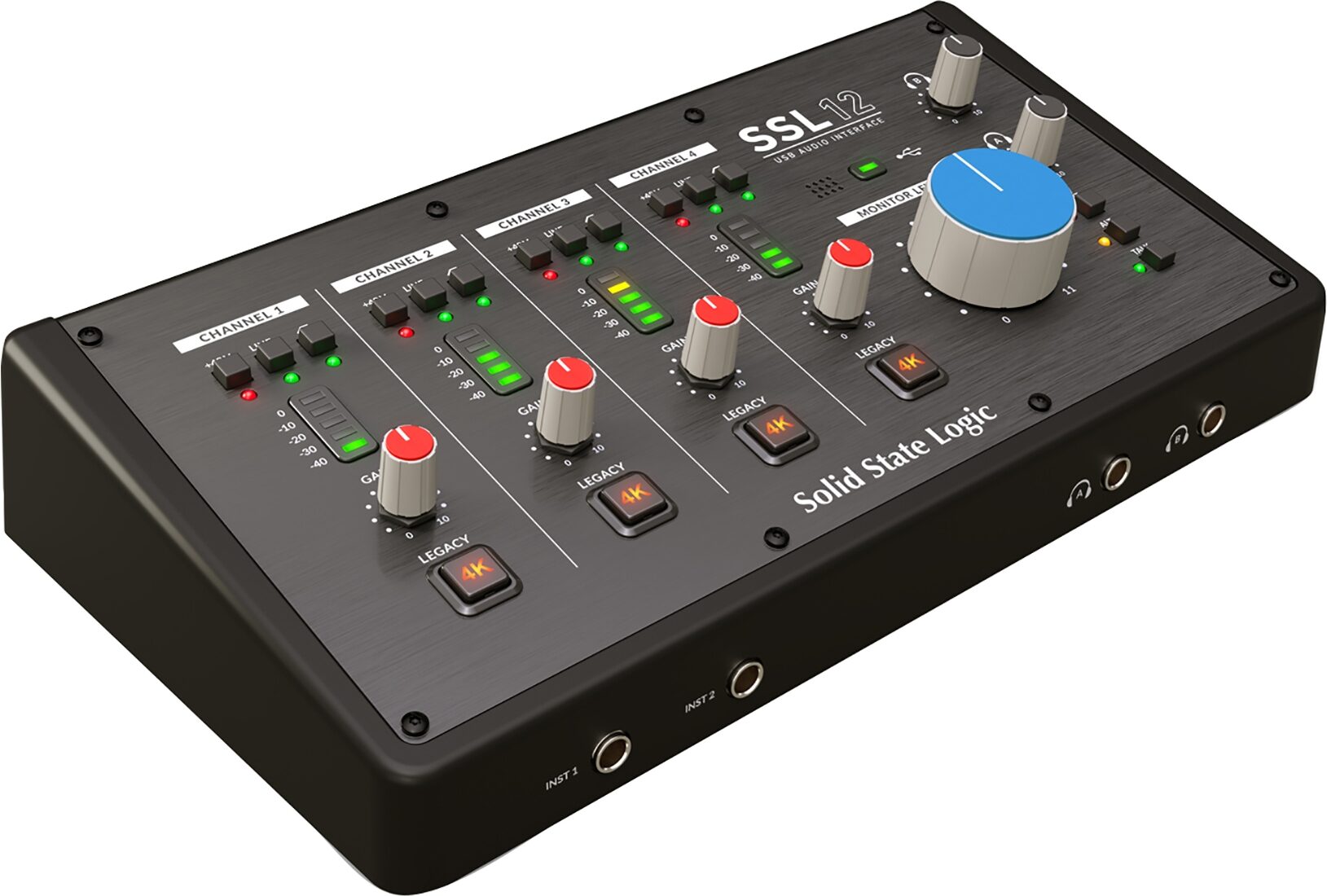
The SSL 12 is a 12-in/8-out USB bus-powered audio interface that enables you to get studio-quality audio into and out of your computer with minimal fuss and maximum creativity. Building upon the success of SSL 2 and SSL 2+, SSL 12 gives you more. More I/O, more performance, and more versatility. SSL 12 is fully integrated with SSL 360* software: Your SSL Control Room. Here you can assign monitor controls, create multiple independent headphone mixes, choose your Loopback source, customize the 3 front panel user-buttons and much more. SSL 12 presents a combination of professional features and workflow never seen before in a portable desktop interface. With a feature set to rival many larger devices, the SSL 12 is desktop in size but rackmount by nature.
- Per-Channel Legacy 4K switches - analogue color enhancement for any input source, inspired by the 4000-series console
- 2 Hi-Z instrument inputs for guitars, bass or vintage instruments
- 2 professional-grade headphone outputs, with switchable modes of operation that cater for high impedance or high sensitivity headphones. Or re-purpose each headphone output as an additional "general purpose" balanced/unbalanced line-level output instead.
- 32-bit / 192 kHz AD/DA Converters - capture and hear all the detail of your creations
- ADAT IN - expand the input channel count with up to 8 channels of digital… read more audio
- Easy-to-use Headphone routing via SSL 360* for critical low-latency monitoring tasks
- Built In Talkback Mic that can be routed to Headphone A, B and Line 3-4 outputs
- 4 x dedicated balanced outputs and precision Monitor Level, with stunning dynamic range
- Use Outputs 3-4 to connect an alternative monitor set to or as additional line-level outputs.
- DC-coupled outputs for controlling CV input instruments & FX
- 3 user-assignable front panel switches - assign various monitoring functions and talkback open/close
- MIDI I/O
- SSL Production Pack Software Bundle; includes 3-months free subscription to SSL Complete, plus an exclusive collection of 3rd party DAWs, virtual instruments and plug-ins.
- USB bus-powered audio interface for Mac/Windows - power is provided by USB 3.0, audio via the USB 2.0 protocol
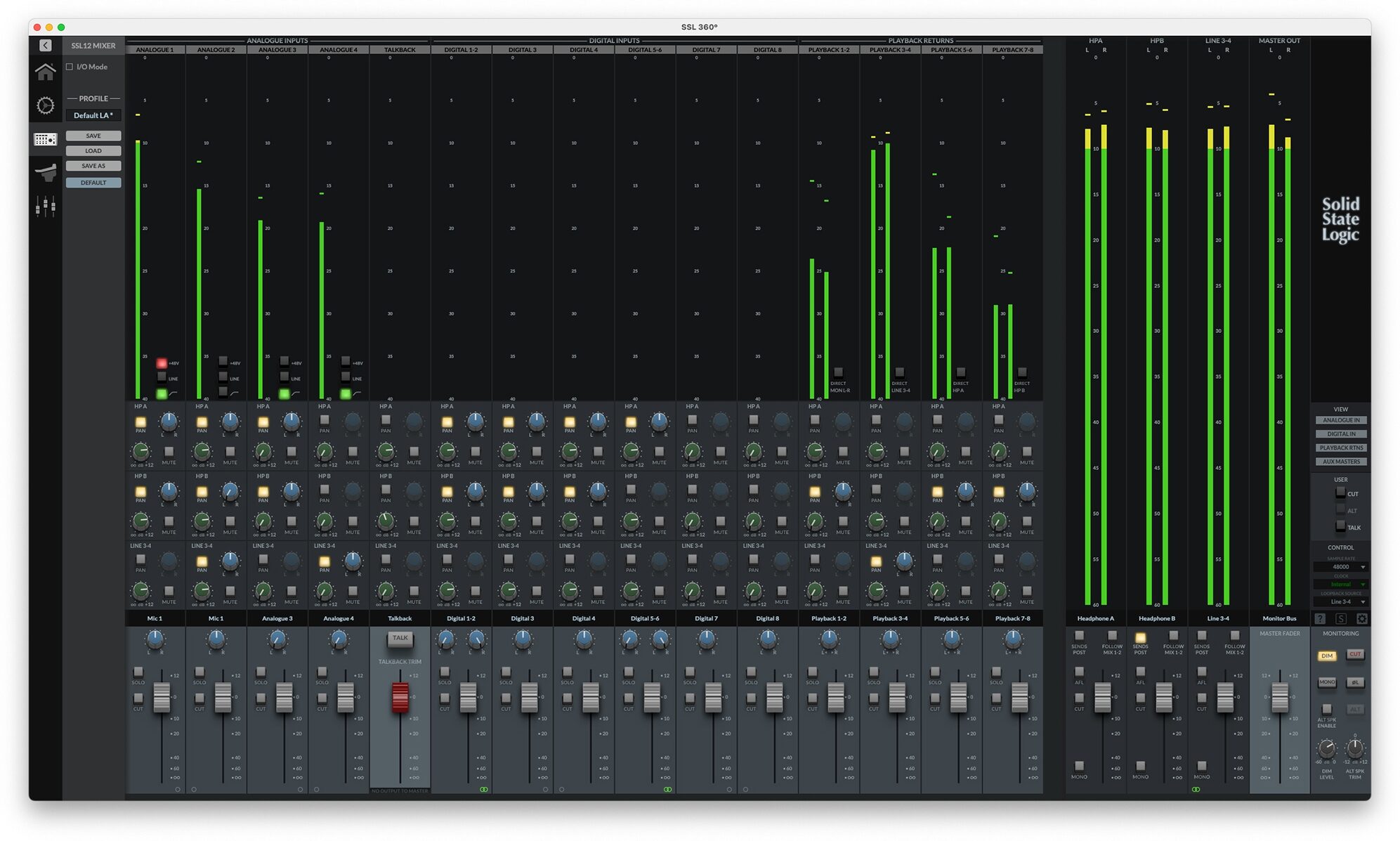
SSL 360* Integration - The SSL 12 Mixer
SSL 360* hosts the powerful SSL 12 Mixer page, where you can do the following:
- Easily set up multiple near-zero latency headphone mixes: SSL 12 provides a virtual console-style interface for creating intuitive headphone mixes, just like you would on an SSL console.
- Configure HP A and HP B outputs for different headphone sensitivities or re-purpose as additional line-level outputs: Choose from 3 different modes of operation for the headphone outputs that best suit your headphones - Standard, High Sensitivity or High Impedance. Or, you can choose to re-purpose each HP output as a balanced/unbalanced mono output, if you need additional line level outputs from SSL 12.
- Customize the 3 user-assignable front panel buttons: The 3 front panel switches come pre-assigned to CUT for the monitors, ALT speaker switching and TALKBACK mic engage/disengage but you can choose to change these buttons to any of the following functions to suit your needs - DIM, CUT, MONO SUM, ALT, INVERT PHASE LEFT, TALKBACK.
- Choose your Loopback source: Configure where your Loopback feed is taken from. Record the output of a media player (e.g. via Playback 1-2) or create a custom sub-mix of your podcast via one of the Aux Busses (e.g. Line 3-4).
- Save/Load SSL 12 Mixer templates: Easily create and save templates for tracking, mixing and production in the SSL 12 Mixer that you can recall quickly for different sessions.
SSL Production Pack
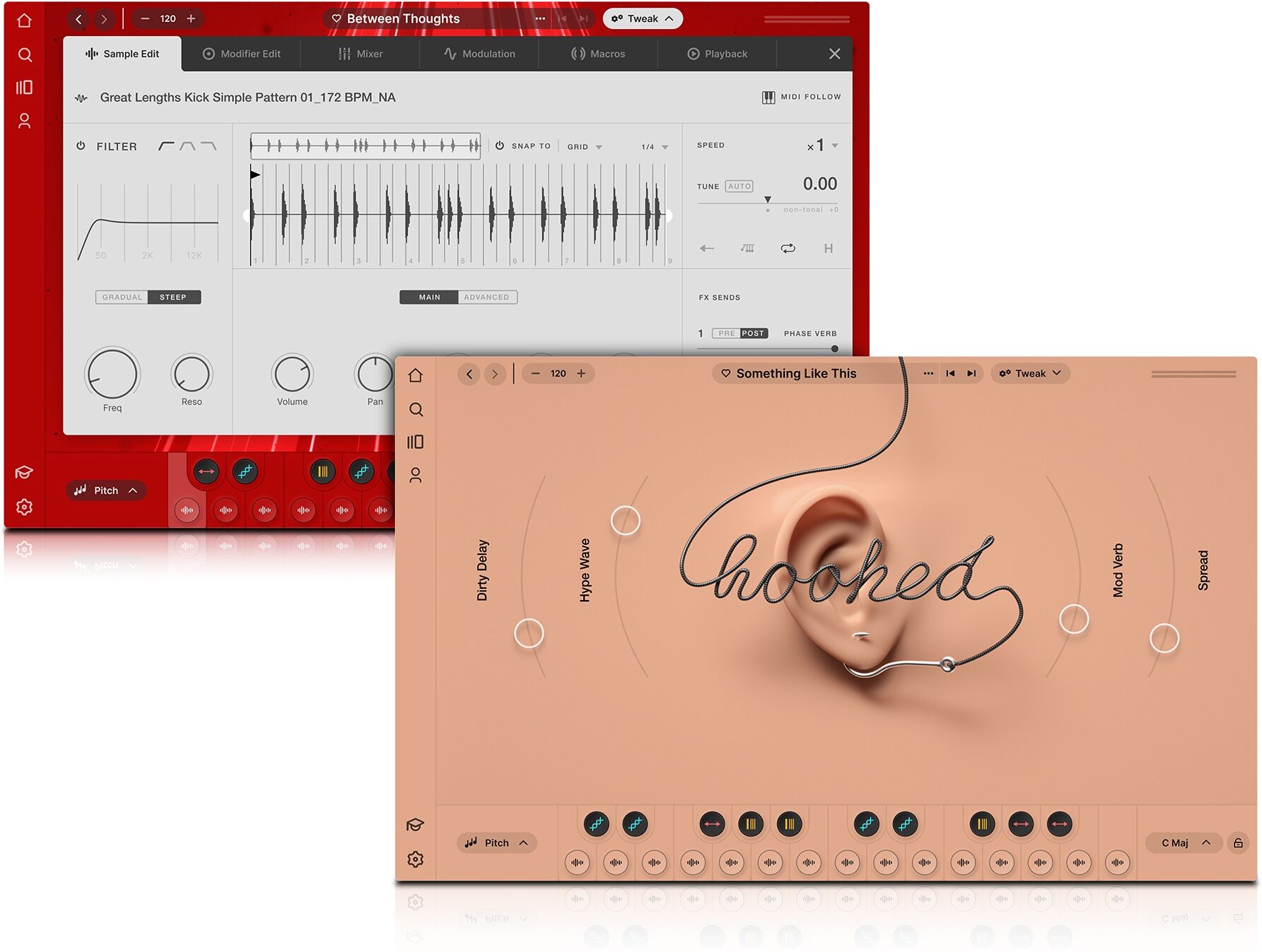
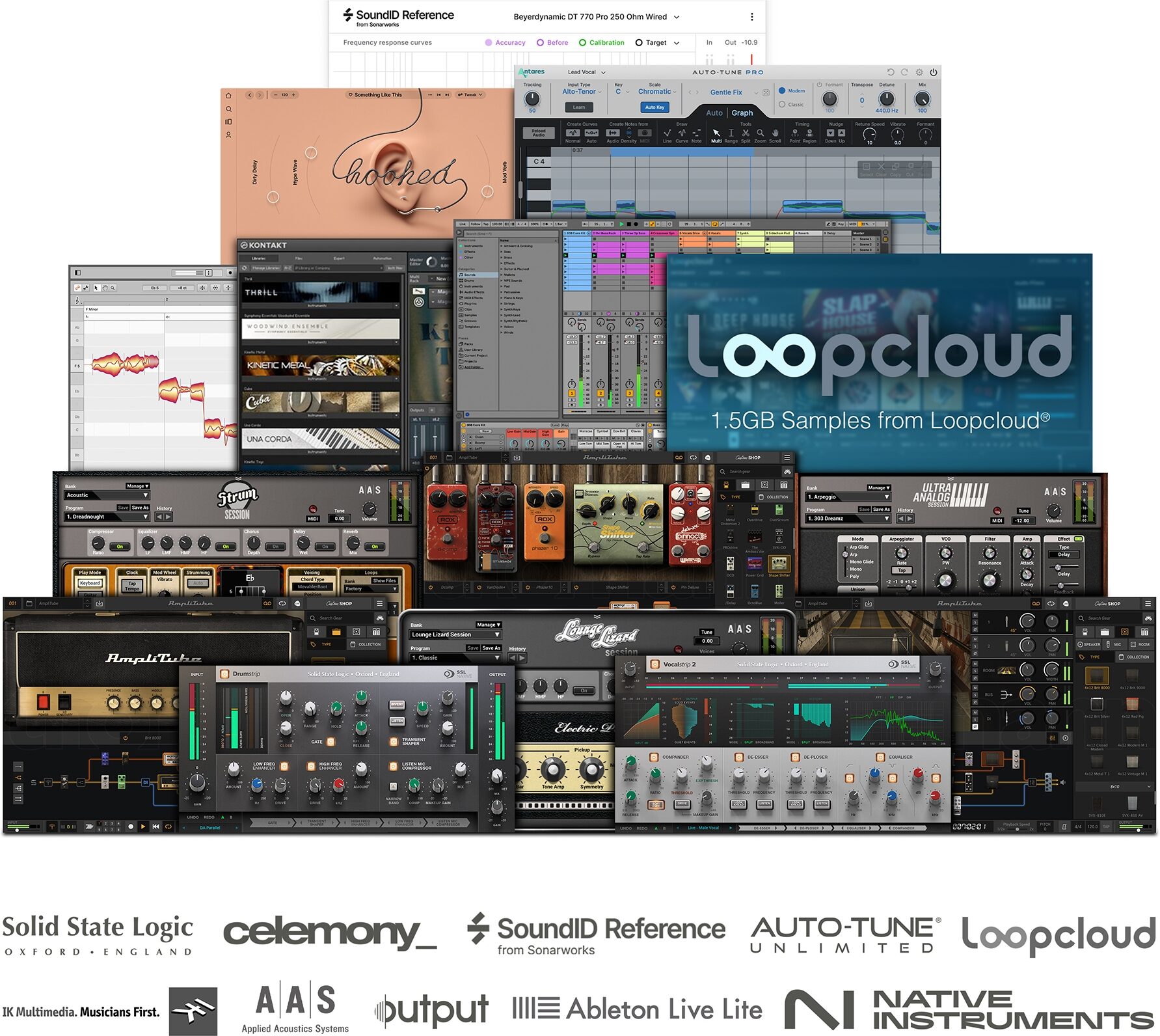
SSL 12 comes bundled with the SSL Production Pack, a unique collection of SSL and 3rd party software packed with a selection of must-have virtual instruments, plug-ins, samples and DAWs. Let your creativity shine and bring your productions to life.
The SSL Production Pack includes:
- *NEW* 3-months free access to Sonarworks SoundID Reference
- 3-months free access to SSL Complete subscription
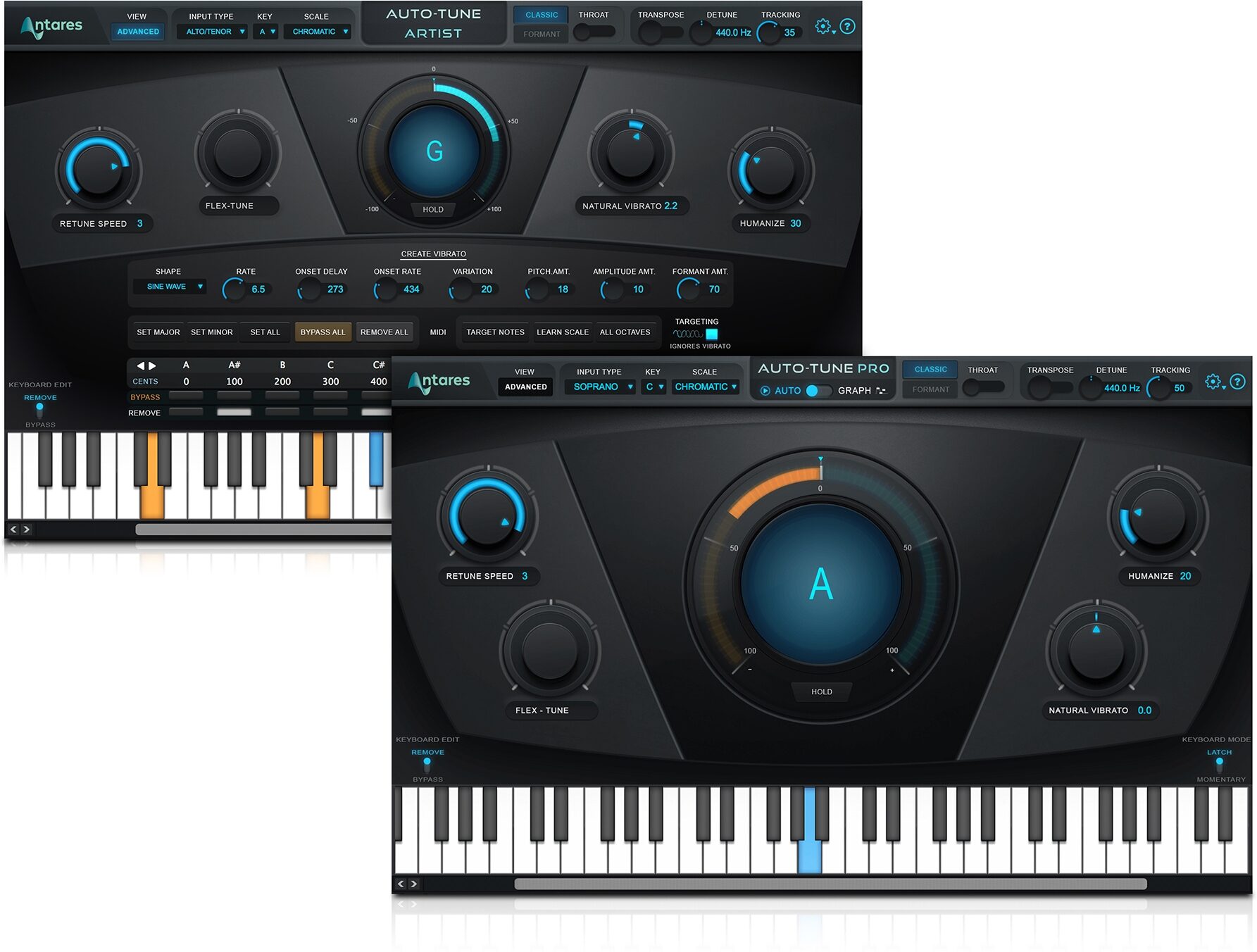
- 3-months free access to Auto-Tune Unlimited subscription
- 3-months free access to Arcade by Output subscription
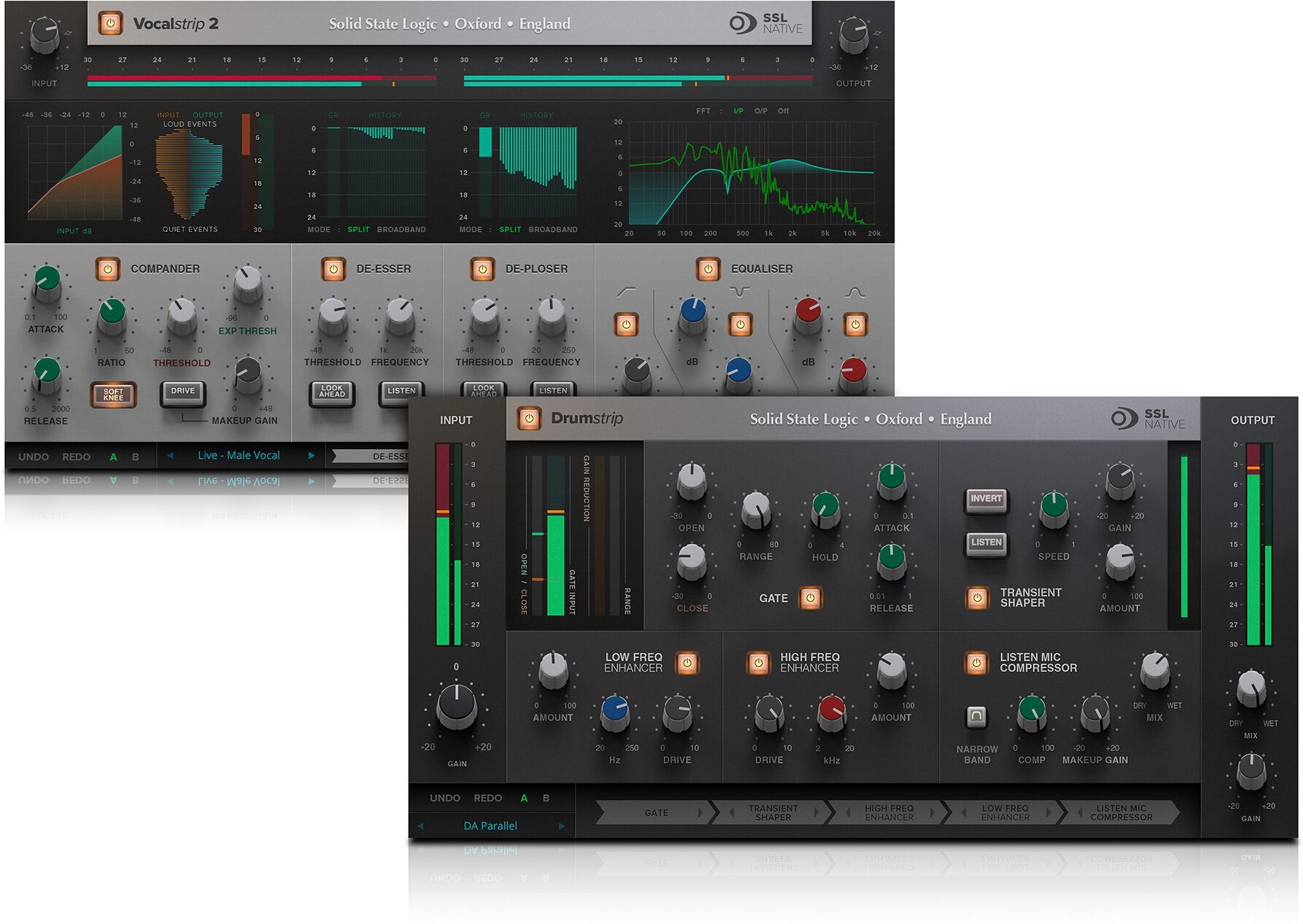
- Perpetual licenses for SSL Vocalstrip 2 and Drumstrip plug-ins
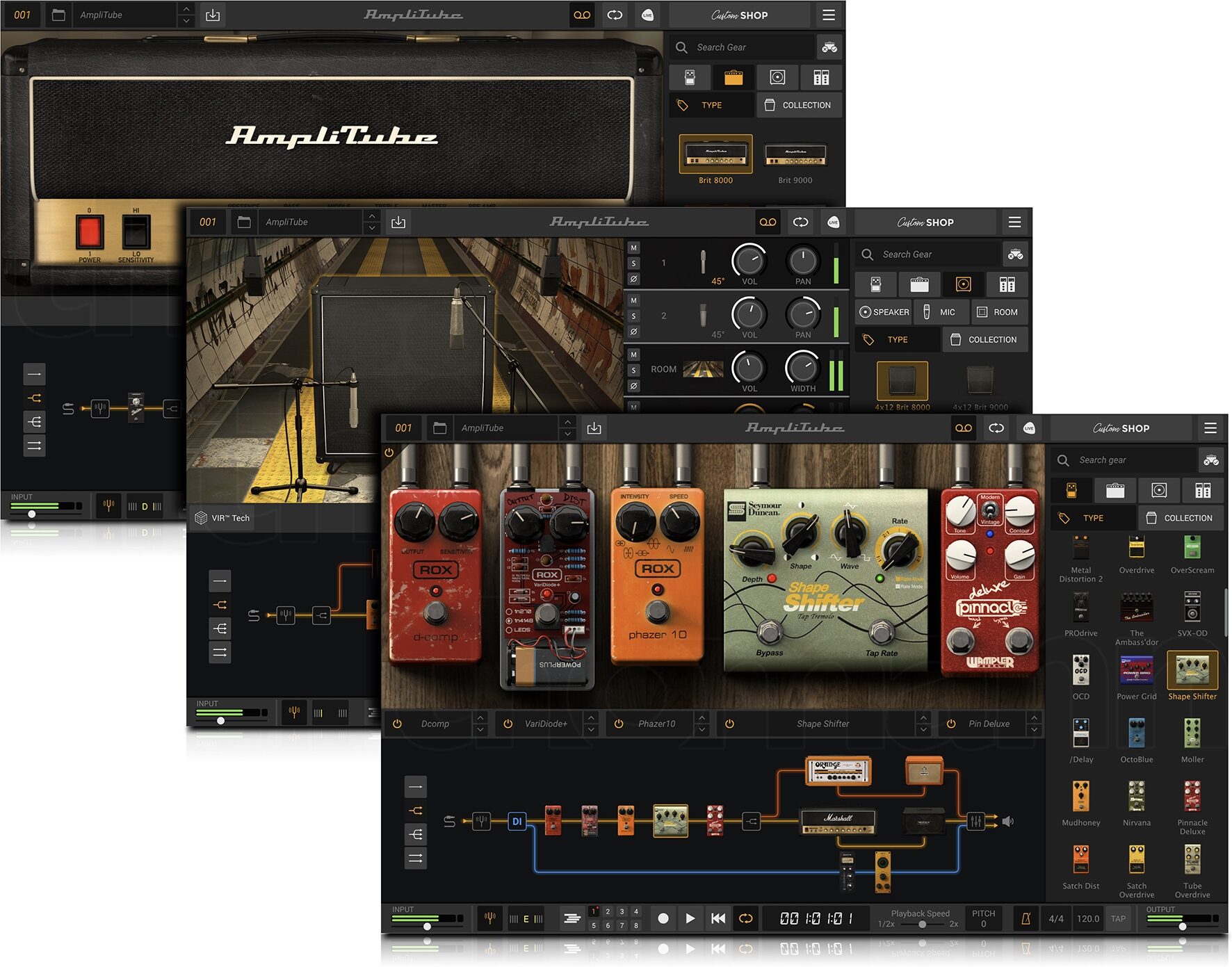
- IK Multimedia Amplitube 5 SE
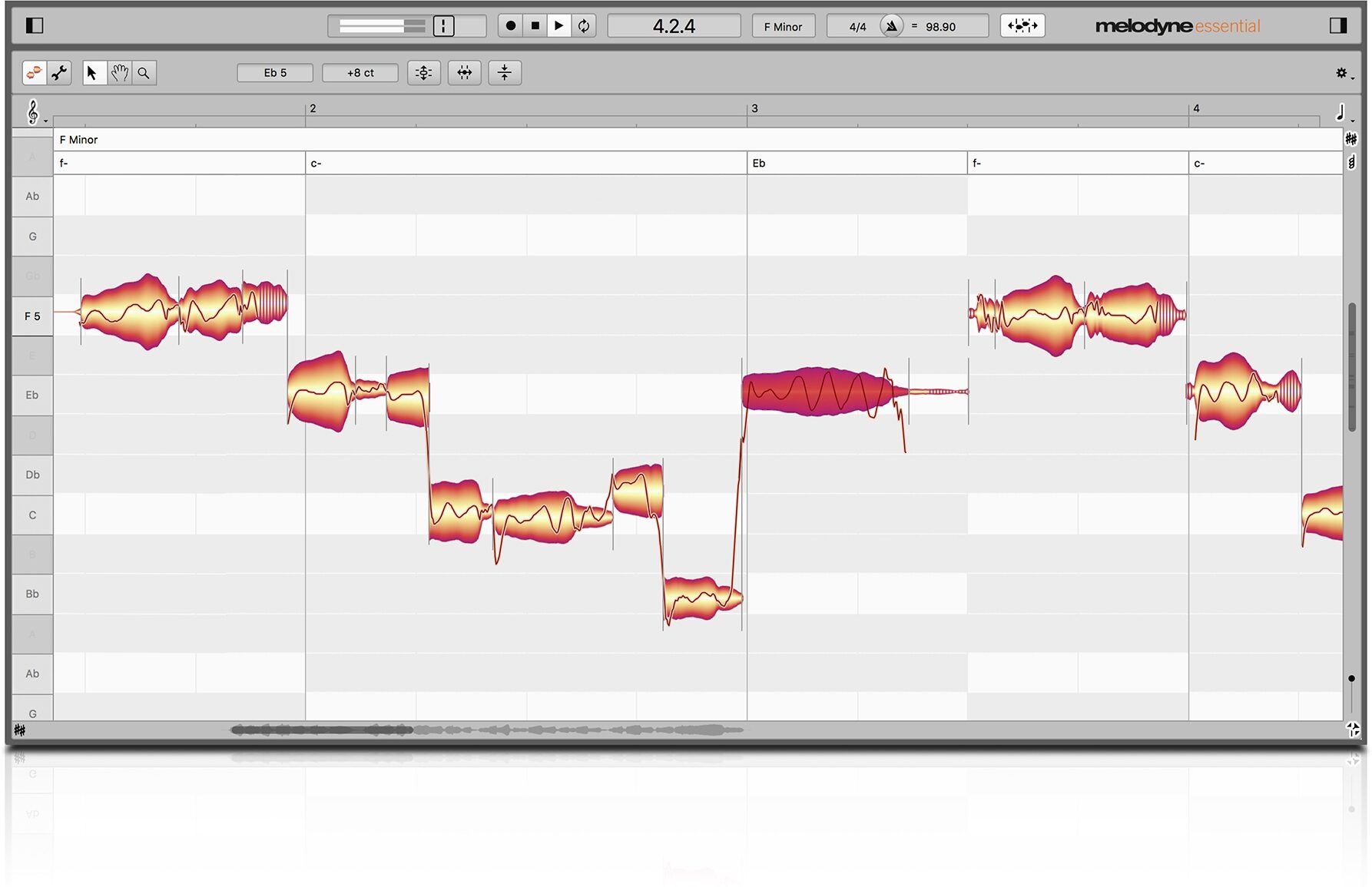
- Celemony Melodyne Essential
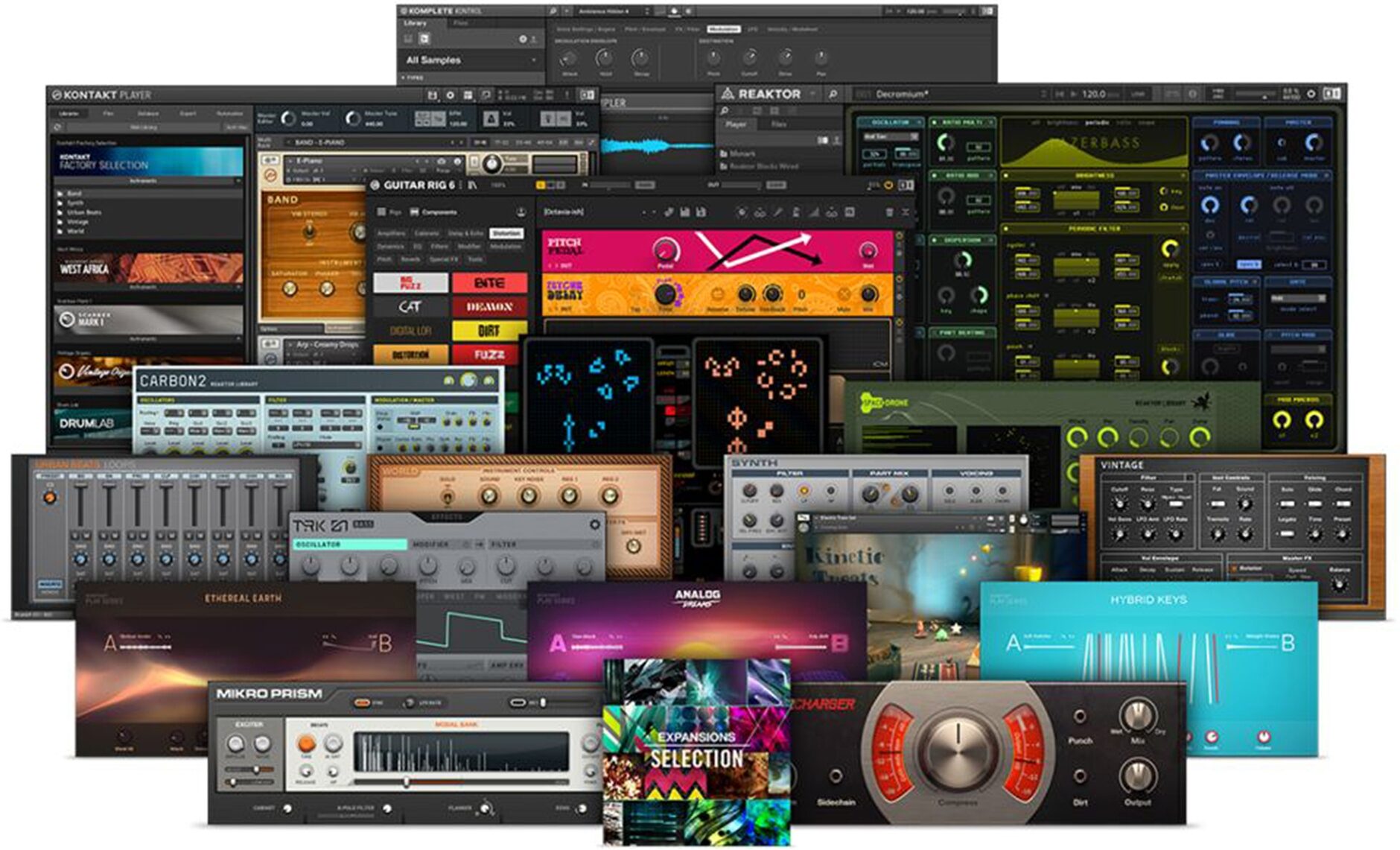
- Native Instruments Hybrid Keys & Komplete Start
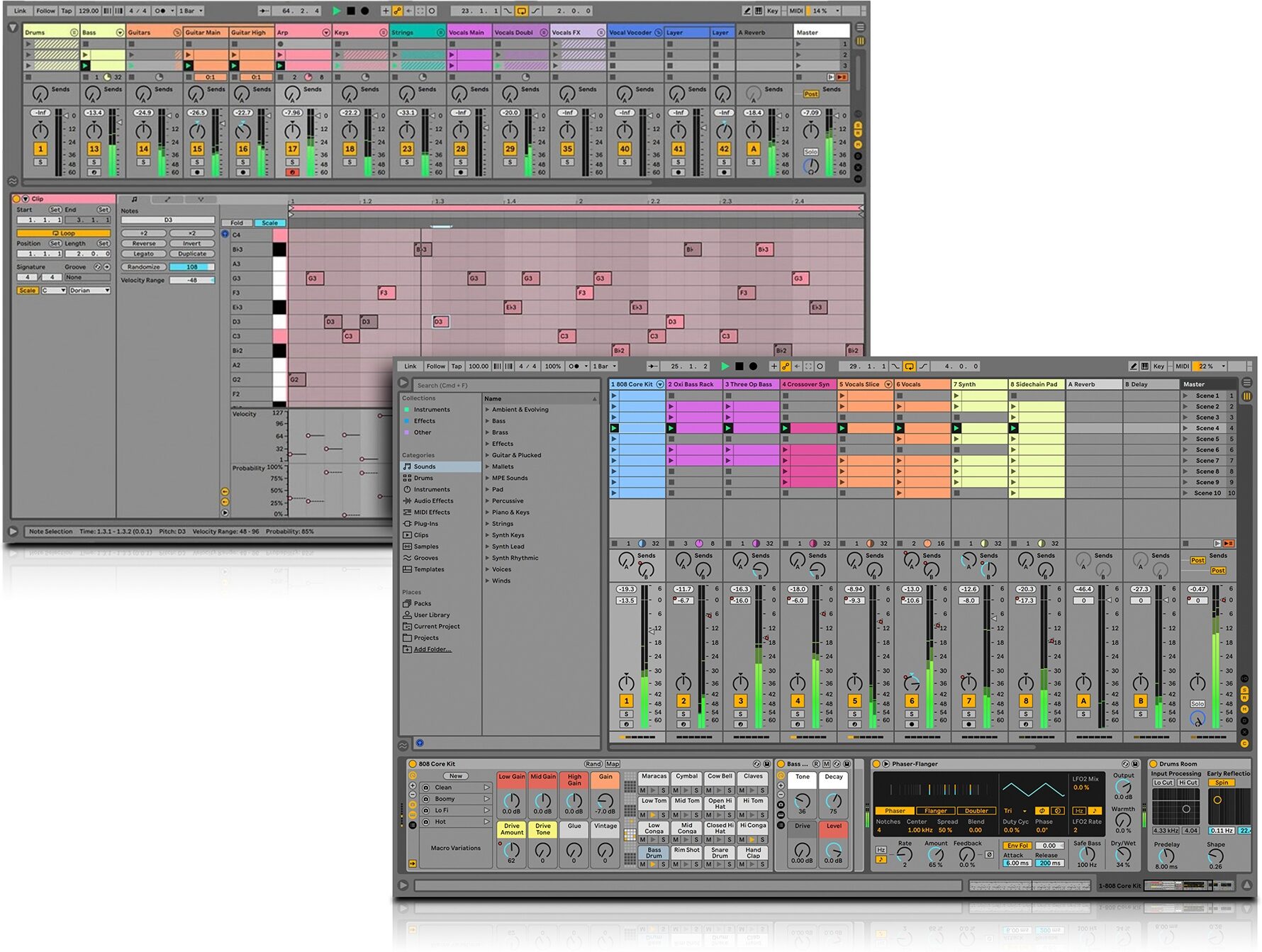
- Ableton Live 11 Lite
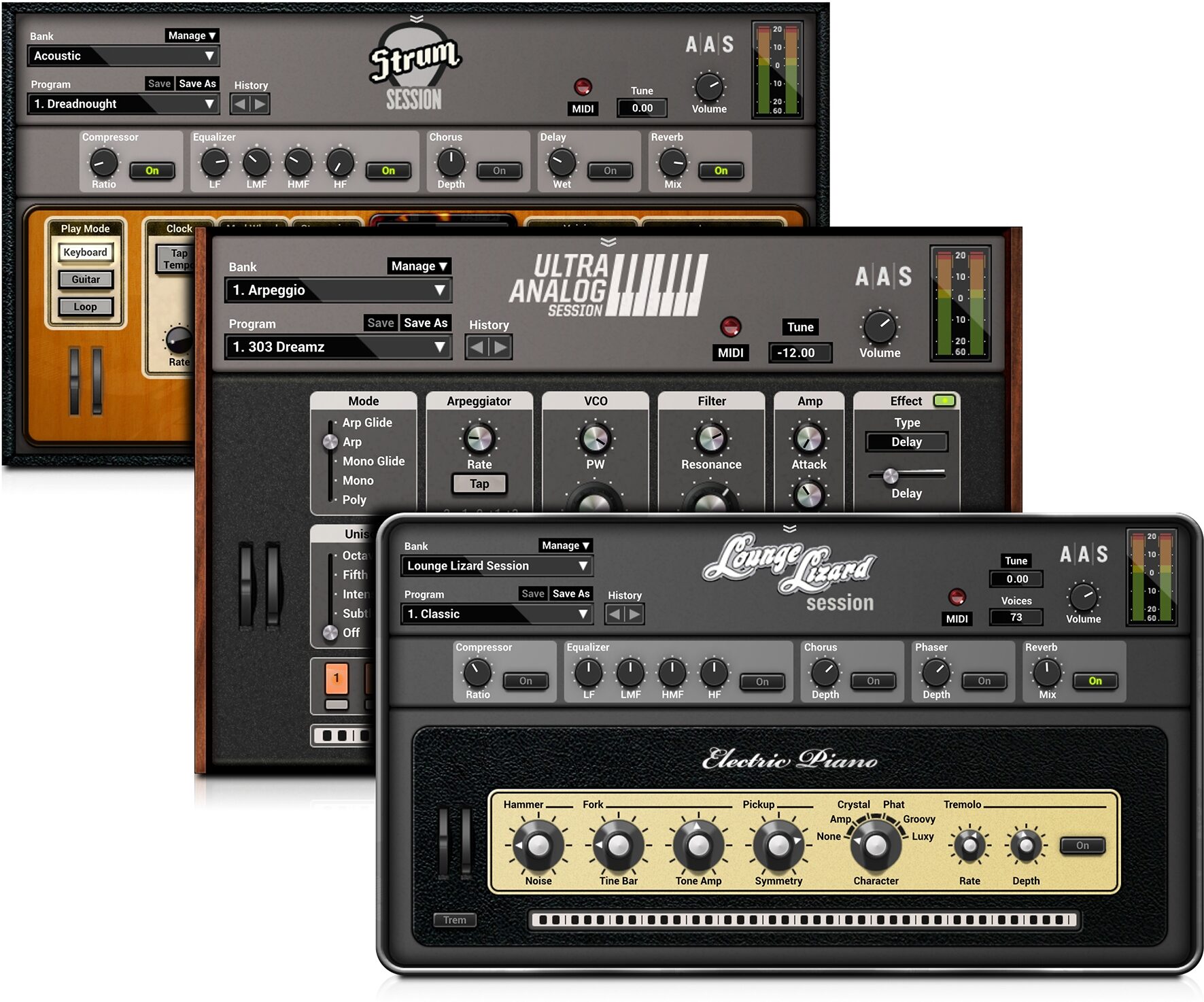
- AAS Session Bundle plug-ins
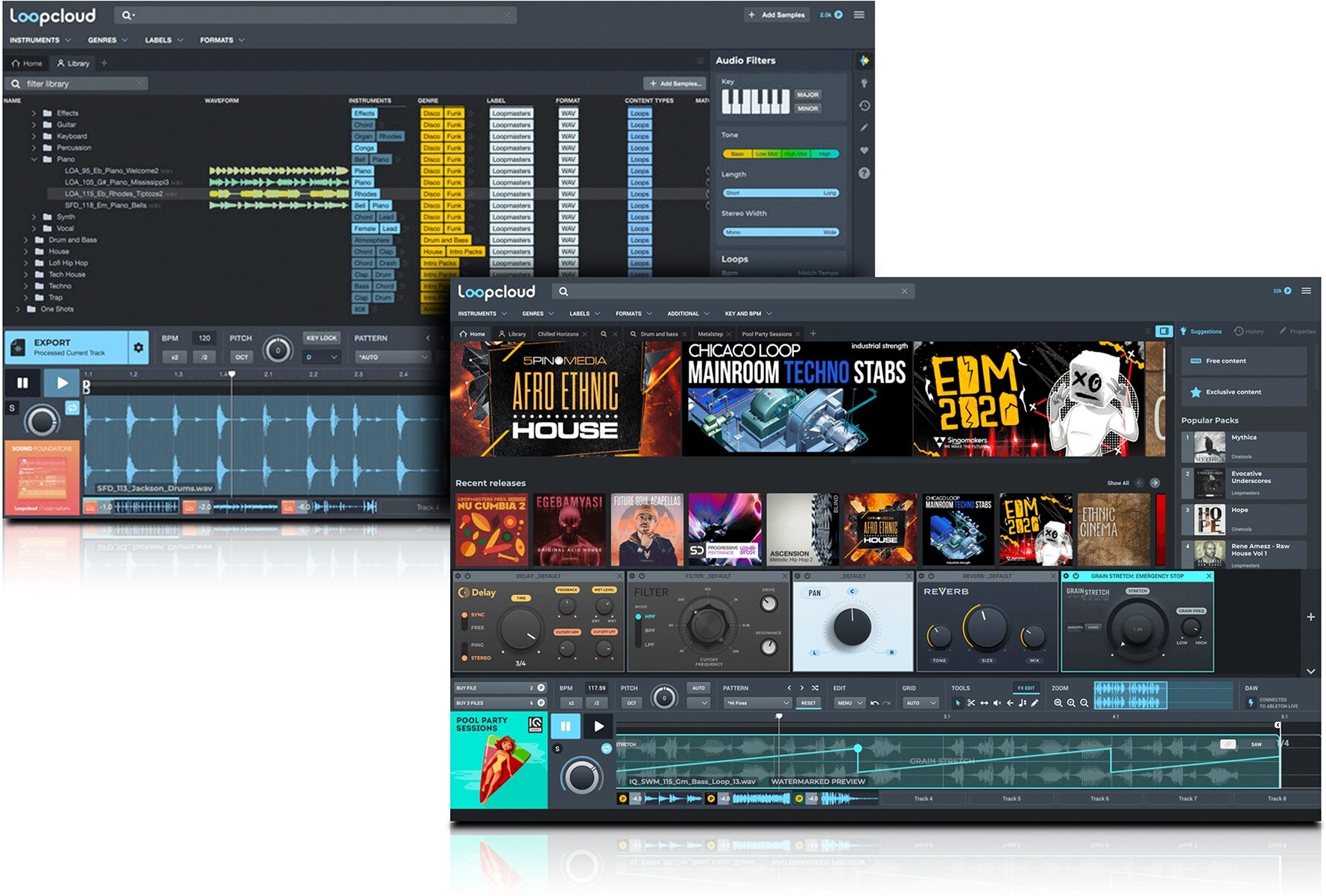
- 1.5 GB Samples from Loopcloud
3-Month Trial of SSL Complete included
SSL Complete is the easiest way to access every SSL plug-in, with new premium plug-ins being added all the time. Featuring SSL's legendary consoles, compressors, equalizers, reverbs & delays, Fusion processors and much more. SSL Complete provides everything you need to make brilliant sounding music and create an SSL studio in your DAW.
read less
Features:
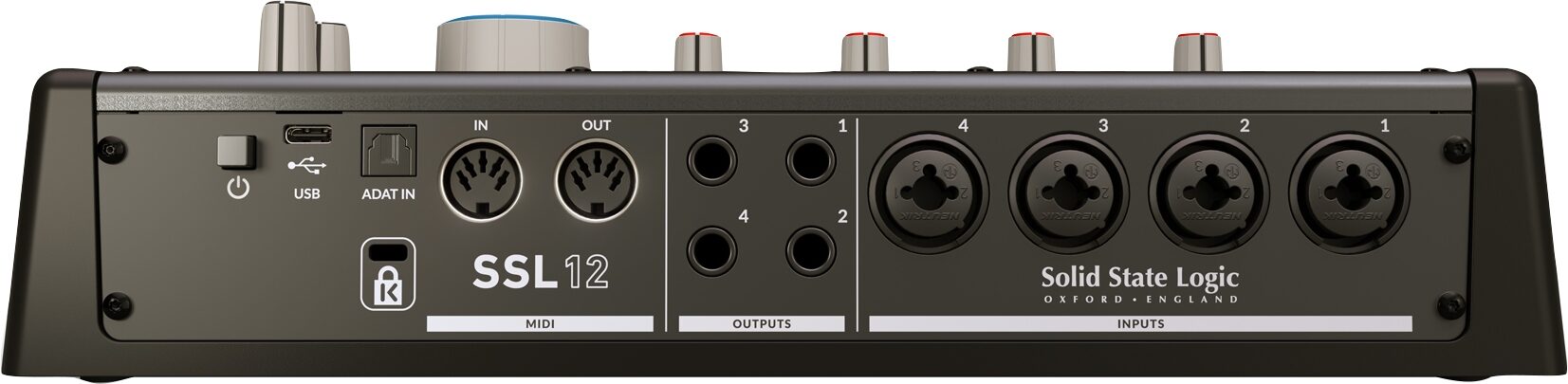
- 4 x SSL-designed microphone preamps with unrivalled EIN performance and huge gain range for a USB-powered device- Per-Channel Legacy 4K switches - analogue color enhancement for any input source, inspired by the 4000-series console
- 2 Hi-Z instrument inputs for guitars, bass or vintage instruments
- 2 professional-grade headphone outputs, with switchable modes of operation that cater for high impedance or high sensitivity headphones. Or re-purpose each headphone output as an additional "general purpose" balanced/unbalanced line-level output instead.
- 32-bit / 192 kHz AD/DA Converters - capture and hear all the detail of your creations
- ADAT IN - expand the input channel count with up to 8 channels of digital… read more audio
- Easy-to-use Headphone routing via SSL 360* for critical low-latency monitoring tasks
- Built In Talkback Mic that can be routed to Headphone A, B and Line 3-4 outputs
- 4 x dedicated balanced outputs and precision Monitor Level, with stunning dynamic range
- Use Outputs 3-4 to connect an alternative monitor set to or as additional line-level outputs.
- DC-coupled outputs for controlling CV input instruments & FX
- 3 user-assignable front panel switches - assign various monitoring functions and talkback open/close
- MIDI I/O
- SSL Production Pack Software Bundle; includes 3-months free subscription to SSL Complete, plus an exclusive collection of 3rd party DAWs, virtual instruments and plug-ins.
- USB bus-powered audio interface for Mac/Windows - power is provided by USB 3.0, audio via the USB 2.0 protocol
SSL 360* Integration - The SSL 12 Mixer
SSL 360* hosts the powerful SSL 12 Mixer page, where you can do the following:
- Easily set up multiple near-zero latency headphone mixes: SSL 12 provides a virtual console-style interface for creating intuitive headphone mixes, just like you would on an SSL console.
- Configure HP A and HP B outputs for different headphone sensitivities or re-purpose as additional line-level outputs: Choose from 3 different modes of operation for the headphone outputs that best suit your headphones - Standard, High Sensitivity or High Impedance. Or, you can choose to re-purpose each HP output as a balanced/unbalanced mono output, if you need additional line level outputs from SSL 12.
- Customize the 3 user-assignable front panel buttons: The 3 front panel switches come pre-assigned to CUT for the monitors, ALT speaker switching and TALKBACK mic engage/disengage but you can choose to change these buttons to any of the following functions to suit your needs - DIM, CUT, MONO SUM, ALT, INVERT PHASE LEFT, TALKBACK.
- Choose your Loopback source: Configure where your Loopback feed is taken from. Record the output of a media player (e.g. via Playback 1-2) or create a custom sub-mix of your podcast via one of the Aux Busses (e.g. Line 3-4).
- Save/Load SSL 12 Mixer templates: Easily create and save templates for tracking, mixing and production in the SSL 12 Mixer that you can recall quickly for different sessions.
SSL Production Pack
SSL 12 comes bundled with the SSL Production Pack, a unique collection of SSL and 3rd party software packed with a selection of must-have virtual instruments, plug-ins, samples and DAWs. Let your creativity shine and bring your productions to life.
The SSL Production Pack includes:
- *NEW* 3-months free access to Sonarworks SoundID Reference
- 3-months free access to SSL Complete subscription
- 3-months free access to Auto-Tune Unlimited subscription
- 3-months free access to Arcade by Output subscription
- Perpetual licenses for SSL Vocalstrip 2 and Drumstrip plug-ins
- IK Multimedia Amplitube 5 SE
- Celemony Melodyne Essential
- Native Instruments Hybrid Keys & Komplete Start
- Ableton Live 11 Lite
- AAS Session Bundle plug-ins
- 1.5 GB Samples from Loopcloud
3-Month Trial of SSL Complete included
SSL Complete is the easiest way to access every SSL plug-in, with new premium plug-ins being added all the time. Featuring SSL's legendary consoles, compressors, equalizers, reverbs & delays, Fusion processors and much more. SSL Complete provides everything you need to make brilliant sounding music and create an SSL studio in your DAW.
Specs
Mic Preamps:
- 4 x XLR-1/4" combo (Mic/Line)
- Mic Amp EIN (A-weighted): -130.5 dBu EIN
- Mic Amp Gain: 62 dB
Instrument/Line:
- 2 x 1/4" (Hi-Z)
- Max Instrument Input Level: +14 dBu
- Max Line Input Level: +24 dBu
Monitor Outputs:
- Dynamic Range: >120 dB
- Max Output Level: +24 dBu
Headphone Outputs:
- 2 x 1/4"
- Dynamic Range: 112 dB (High Impedance Mode) / 115 dB (Balanced Line Output Mode)
- Max Output: +18 dBu (High Impedance Mode) / 24 dBu (Balanced Line Output Mode)
- Output Impedance: <1 Ohm
Digital Inputs: 1 x Optical (ADAT)
Sample rates: 44.1, 48, 88.2, 96, 176.4, 192 kHz
SSL 12 is a class compliant device and works directly with macOS Core Audio. There is no macOS driver. Simply plug it in, select the SSL as the sound device in System Preferences and you are ready to go.
- SSL recommend using 11.3 or higher.
- SSL recommend not updating to Big Sur 11.2.
- Prior to Big Sur: macOS 10.15, was tested but no longer supported.
- macOS 10.14 and below are untested. Operation may work but is not guaranteed. SSL's recommendation is to upgrade to a supported OS.
iOS and Android:
SSL 12 is not officially supported with iOS, however, it is class compliant, and the iPad supports class compliant devices. But you may not be able to power the unit from your device
SSL 12 is not tested nor supported on Android.
To connect to a Lightning-based iPad you may need the following:
- The supplied USB cable
- Apple Lightning to USB 3 Camera Adapter
- A powered USB hub (unlike a computer, an iPad does not supply power) - this hub must be capable of delivering 5V and more than 0.5A
Some newer iPads use USB-C instead of Lightning. In that case, the camera adapter may not apply.
Connect in the following order:
1. SSL to USB hub.
2. USB hub to the Apple camera adapter.
3. iPad power to Apple camera adapter.
4. Camera adapter to iPad.
Linux:
SSL 12 is not officially supported under Linux. However, many Linux Operating systems and audio drivers support class compliant devices. SSL have not tested nor can they recommend any Linux OS
Windows:
Windows ARM-based systems are not supported and therefore may not work.
SSL 12 requires SSL's ASIO driver to be installed on Windows. The SSL 12 series ASIO drivers are multiclient (multi-client). This means multiple ASIO apps can use the interface simultaneously.
SSL provides a USB-C and a USB-A adapter. The type of USB connector on your computer will determine if you use this adapter or not.
SSL 12 interfaces utilize USB 3.0 and it will make no difference the type of cable connector you use on your computer side.
Newer computers may have USB-C, whereas older computers have USB-A.
SSL 12 is compatible with USB 4.0 because USB 4.0 is backwards compatible.
How long can my USB cable be?
You are welcome to try cables as long as you want until they stop working, it will not harm the interface. Longer lengths result in voltage reduction and may not deliver the full 5V to the interface. USB 2.0 specifies an absolute maximum of 5 meters (16 feet). Beyond that length you must use a powered hub or powered extender.
SSL recommend USB cables up to 3 meters or 10 feet.
It is not the cable length per se that is the issue, but is that not all computers deliver full voltage and current.
If 5V does not reach the interface, the interface may have connection issues, but it is unlikely to damage the interface.
If you have problems with any 3rd party cable, please try the included cables.
Ensure that you are plugged directly into the computer for troubleshooting (not through a hub).
Some computers have USB ports that are not fully 5V powered, or not always-on, so try all USB ports.
If you need longer than 3 meters, you may need to add a powered USB hub, though hubs can sometimes introduce their own issues.
On Windows, as a test you may also wish to toggle the Power Management tab settings in the Device Manager USB controllers section.
SSL do not sell USB cables independent of the cables included with the product.
Troubleshooting USB & Power issues
Ensure that you are plugged directly into the DAW computer and not using a USB hub for testing. USB hubs could cause power issues, or you may need a powered USB hub.
Additionally, try all USB ports on the DAW computer as some manufacturers may have USB ports that are not fully powered.
USB hubs
Wherever possible, it is best to connect directly to USB on your computer.
If you must connect via a hub, choose one with sufficient current specifications that will provide reliable performance; not all USB hubs are created equally.
SSL recommends the use of a powered USB 3.0 hub; ie a hub that has an external DC power supply and USB 3.0 ports for your devices.
Please note that you will still need to use a USB cable of suitable length with a powered USB hub.
SSL do not make specific recommendations on USB hubs and cables, but anecdotally one user has had success with the VAVA USB-C hub.
USB 3.0 specifies a maximum length of 5 meters (16 feet). Beyond that length you must use a powered hub or powered extender.
Thunderbolt with SSL USB audio interfaces
Thunderbolt 3 and 4 use the USB-C connector type and are normally compatible with all USB devices directly.
Thunderbolt 2 uses a different connector and requires a Thunderbolt 2 to USB adapter.
- 4 x XLR-1/4" combo (Mic/Line)
- Mic Amp EIN (A-weighted): -130.5 dBu EIN
- Mic Amp Gain: 62 dB
Instrument/Line:
- 2 x 1/4" (Hi-Z)
- Max Instrument Input Level: +14 dBu
- Max Line Input Level: +24 dBu
Monitor Outputs:
- Dynamic Range: >120 dB
- Max Output Level: +24 dBu
Headphone Outputs:
- 2 x 1/4"
- Dynamic Range: 112 dB (High Impedance Mode) / 115 dB (Balanced Line Output Mode)
- Max Output: +18 dBu (High Impedance Mode) / 24 dBu (Balanced Line Output Mode)
- Output Impedance: <1 Ohm
Digital Inputs: 1 x Optical (ADAT)
Sample rates: 44.1, 48, 88.2, 96, 176.4, 192 kHz
OS interface compatibility
MacOS:SSL 12 is a class compliant device and works directly with macOS Core Audio. There is no macOS driver. Simply plug it in, select the SSL as the sound device in System Preferences and you are ready to go.
- SSL recommend using 11.3 or higher.
- SSL recommend not updating to Big Sur 11.2.
- Prior to Big Sur: macOS 10.15, was tested but no longer supported.
- macOS 10.14 and below are untested. Operation may work but is not guaranteed. SSL's recommendation is to upgrade to a supported OS.
iOS and Android:
SSL 12 is not officially supported with iOS, however, it is class compliant, and the iPad supports class compliant devices. But you may not be able to power the unit from your device
SSL 12 is not tested nor supported on Android.
To connect to a Lightning-based iPad you may need the following:
- The supplied USB cable
- Apple Lightning to USB 3 Camera Adapter
- A powered USB hub (unlike a computer, an iPad does not supply power) - this hub must be capable of delivering 5V and more than 0.5A
Some newer iPads use USB-C instead of Lightning. In that case, the camera adapter may not apply.
Connect in the following order:
1. SSL to USB hub.
2. USB hub to the Apple camera adapter.
3. iPad power to Apple camera adapter.
4. Camera adapter to iPad.
Linux:
SSL 12 is not officially supported under Linux. However, many Linux Operating systems and audio drivers support class compliant devices. SSL have not tested nor can they recommend any Linux OS
Windows:
Windows ARM-based systems are not supported and therefore may not work.
SSL 12 requires SSL's ASIO driver to be installed on Windows. The SSL 12 series ASIO drivers are multiclient (multi-client). This means multiple ASIO apps can use the interface simultaneously.
USB interface information
The connector on the back of the SSL 12 is USB-C.SSL provides a USB-C and a USB-A adapter. The type of USB connector on your computer will determine if you use this adapter or not.
SSL 12 interfaces utilize USB 3.0 and it will make no difference the type of cable connector you use on your computer side.
Newer computers may have USB-C, whereas older computers have USB-A.
SSL 12 is compatible with USB 4.0 because USB 4.0 is backwards compatible.
How long can my USB cable be?
You are welcome to try cables as long as you want until they stop working, it will not harm the interface. Longer lengths result in voltage reduction and may not deliver the full 5V to the interface. USB 2.0 specifies an absolute maximum of 5 meters (16 feet). Beyond that length you must use a powered hub or powered extender.
SSL recommend USB cables up to 3 meters or 10 feet.
It is not the cable length per se that is the issue, but is that not all computers deliver full voltage and current.
If 5V does not reach the interface, the interface may have connection issues, but it is unlikely to damage the interface.
If you have problems with any 3rd party cable, please try the included cables.
Ensure that you are plugged directly into the computer for troubleshooting (not through a hub).
Some computers have USB ports that are not fully 5V powered, or not always-on, so try all USB ports.
If you need longer than 3 meters, you may need to add a powered USB hub, though hubs can sometimes introduce their own issues.
On Windows, as a test you may also wish to toggle the Power Management tab settings in the Device Manager USB controllers section.
SSL do not sell USB cables independent of the cables included with the product.
Troubleshooting USB & Power issues
Ensure that you are plugged directly into the DAW computer and not using a USB hub for testing. USB hubs could cause power issues, or you may need a powered USB hub.
Additionally, try all USB ports on the DAW computer as some manufacturers may have USB ports that are not fully powered.
USB hubs
Wherever possible, it is best to connect directly to USB on your computer.
If you must connect via a hub, choose one with sufficient current specifications that will provide reliable performance; not all USB hubs are created equally.
SSL recommends the use of a powered USB 3.0 hub; ie a hub that has an external DC power supply and USB 3.0 ports for your devices.
Please note that you will still need to use a USB cable of suitable length with a powered USB hub.
SSL do not make specific recommendations on USB hubs and cables, but anecdotally one user has had success with the VAVA USB-C hub.
USB 3.0 specifies a maximum length of 5 meters (16 feet). Beyond that length you must use a powered hub or powered extender.
Thunderbolt with SSL USB audio interfaces
Thunderbolt 3 and 4 use the USB-C connector type and are normally compatible with all USB devices directly.
Thunderbolt 2 uses a different connector and requires a Thunderbolt 2 to USB adapter.
Dimensions and Weight in Packaging
Base Item
- Shipping Weight: 3.17 lbs
- Shipping Dimensions: 13 x 8 x 4 in
- Manufacturer Part Number (MPN): 729705X2
Open Box (Very Good)
- Shipping Weight: 3.17 lbs
- Shipping Dimensions: 13 x 8 x 4 in
- Manufacturer Part Number (MPN): 729705X2
Documents and Manuals
For support or warranty questions, please contact the manufacturer:
Web: https://support.solidstatelogic.com/
Web: https://support.solidstatelogic.com/
Reviews
Reviewers gave this product an overall rating of 5 out of 5 stars.
(3 ratings)
Submitted January 26, 2026 by a customer from outlook.com
"Excellent Interface"
Verified Purchaser
zZounds has verified that this reviewer purchased this specific product from us.
I don't know what that other clown is complaining about this interface is dope and deserves more than 3 stars. It is clean and runs daws great. If you need something that has more inputs, SSL has a bigger interface with the 18. But this is all I need. Definitely better than the apollo solo and twin.
8 of 8 people (100%) people found this review helpful. Did you?
Thanks for your opinion!
New
$499.99
you're approved! No credit check!
- No interest and no late fees
- No paperwork
- No social security number required
- No questions about your income
Just provide your credit or debit card number in checkout as usual, and we’ll ship your order before the end of the business day.
- 8 payments of$62.50/mo
FREE
-Day
Shipping!
Get it
for
Get it
(or get it
with an order of
),
if you order within
Shipping to
This is a carousel with product cards. Use the previous and next buttons to navigate.
Related Accessories
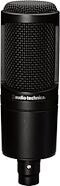
Shure SM57 Cardioid Dynamic Microphone
$109.00
- No Credit Check6 payments of$18.17/mo
Comes in 4 Mfg Models-

This is a carousel with product cards. Use the previous and next buttons to navigate.
Related Accessories
-
Shure SM57 Cardioid Dynamic Microphone
$109.00
- No Credit Check6 payments of$18.17/mo
Comes in 4 Mfg Models -
-
-
-
-
This is a carousel with product cards. Use the previous and next buttons to navigate.
People who bought this item also bought

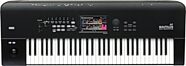
Neumann TLM 103 Studio Microphone
$1,295.00
- 12 payments of$107.92/mo
Comes in 2 Colors, 2 Mfg Models-
ADAM Audio T7V Active Studio Monitor
$289.99
- No Credit Check6 payments of$48.33/mo
Comes in 2 Quantities-
PRS Paul Reed Smith SE Special Semi-Hollow Electric Guitar (with Gig Bag)
$889.95
- No Credit Check6 payments of$148.32/mo
-
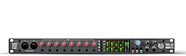
Solid State Logic SSL 18 USB Audio Interface
$1,199.99
- 12 payments of$100.00/mo
- No Credit Check6 payments of$200.00/mo
-
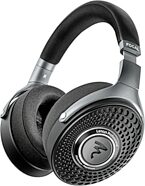
Focal Lensys Professional Reference Headphones
$699.00
- 12 payments of$58.25/mo
- No Credit Check6 payments of$116.50/mo
-

Moog Messenger Monophonic Analog Synthesizer, 32-Key
$699.00
- 12 payments of$58.25/mo
- No Credit Check6 payments of$116.50/mo
-
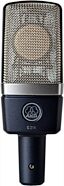
AKG C214 Large-Diaphragm Condenser Microphone
$469.00
- 8 payments of$58.63/mo
- No Credit Check6 payments of$78.17/mo
Comes in 2 Quantities-
Items You Recently Viewed
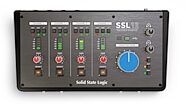
Solid State Logic SSL 12 12x4 USB-C Audio Interface
$499.99
- 8 payments of$62.50/mo
- No Credit Check6 payments of$83.33/mo
-