

Rane SL3 Serato DJ Audio Interface
No longer available at zZounds
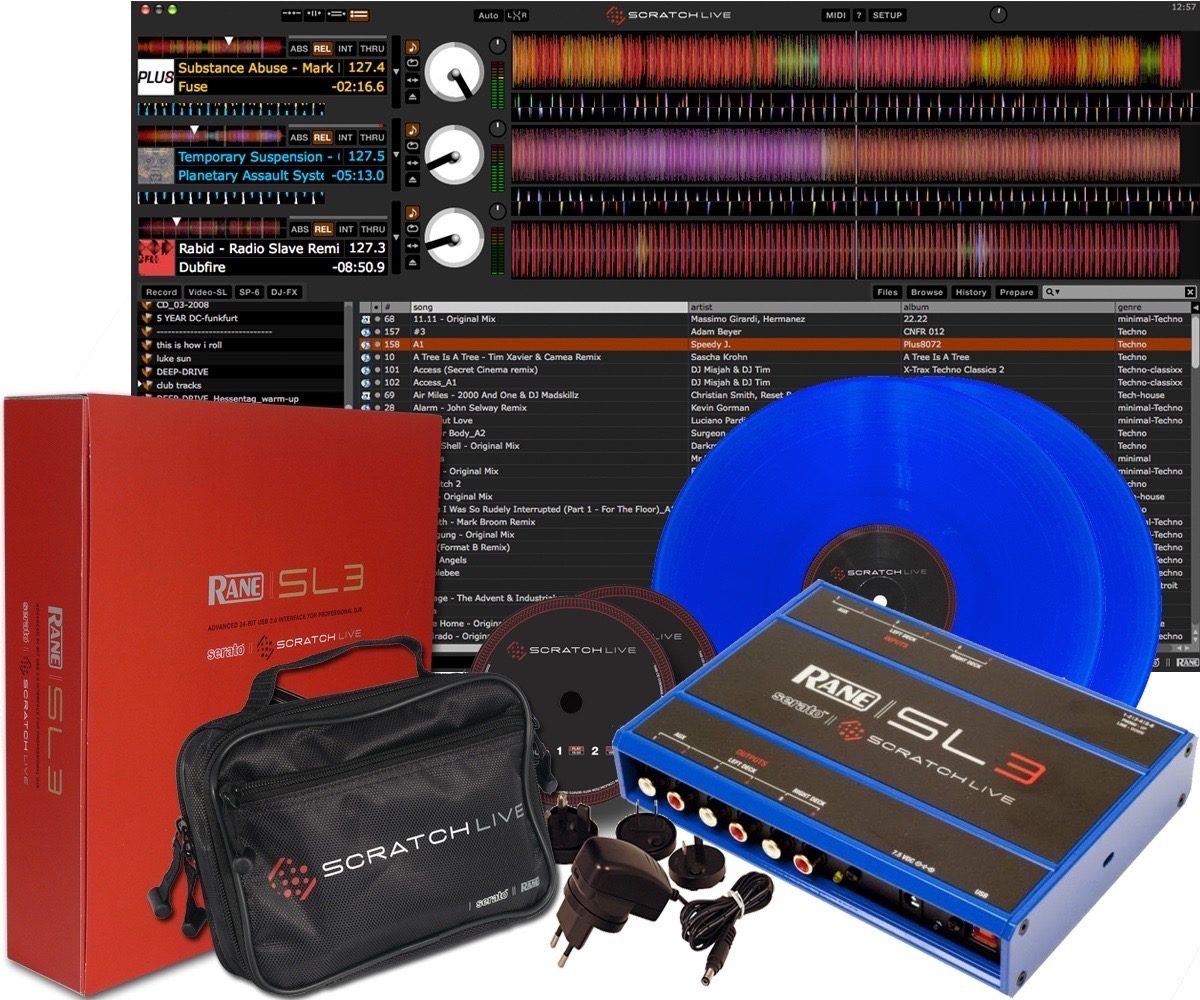
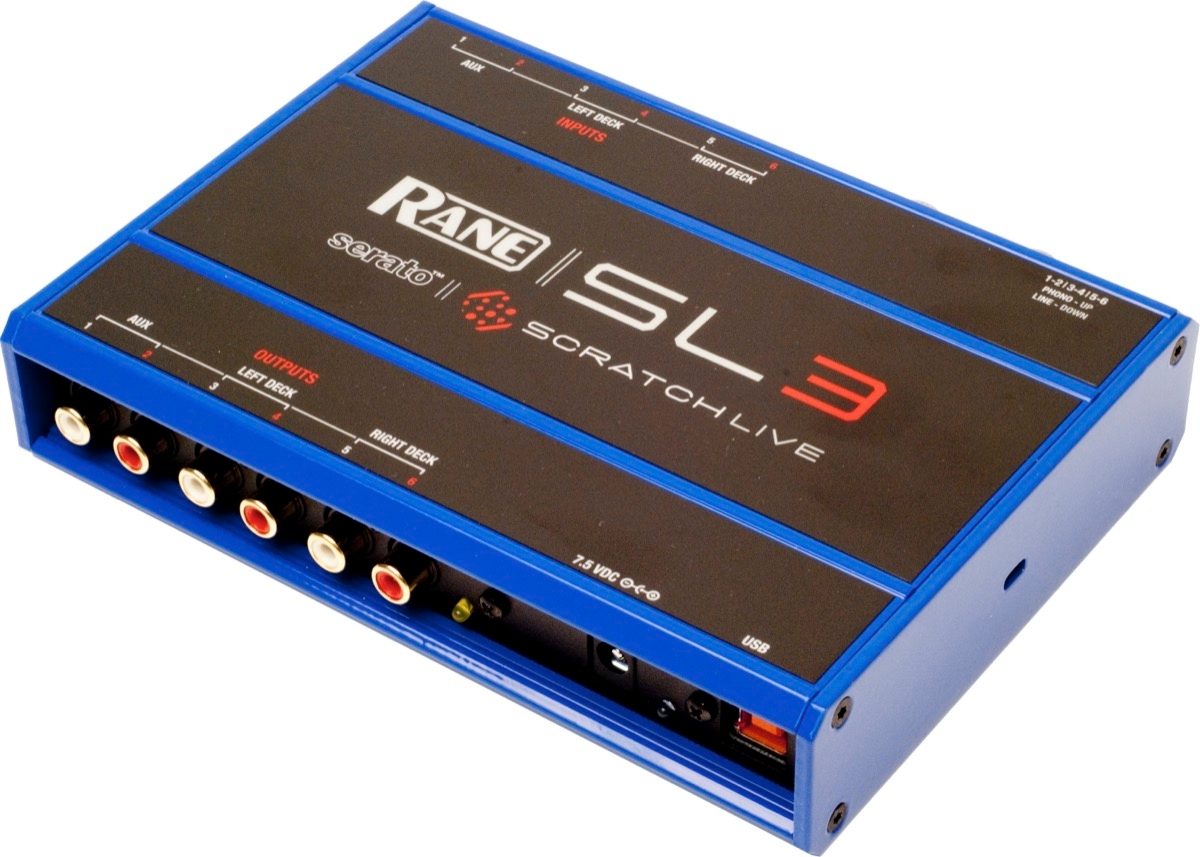
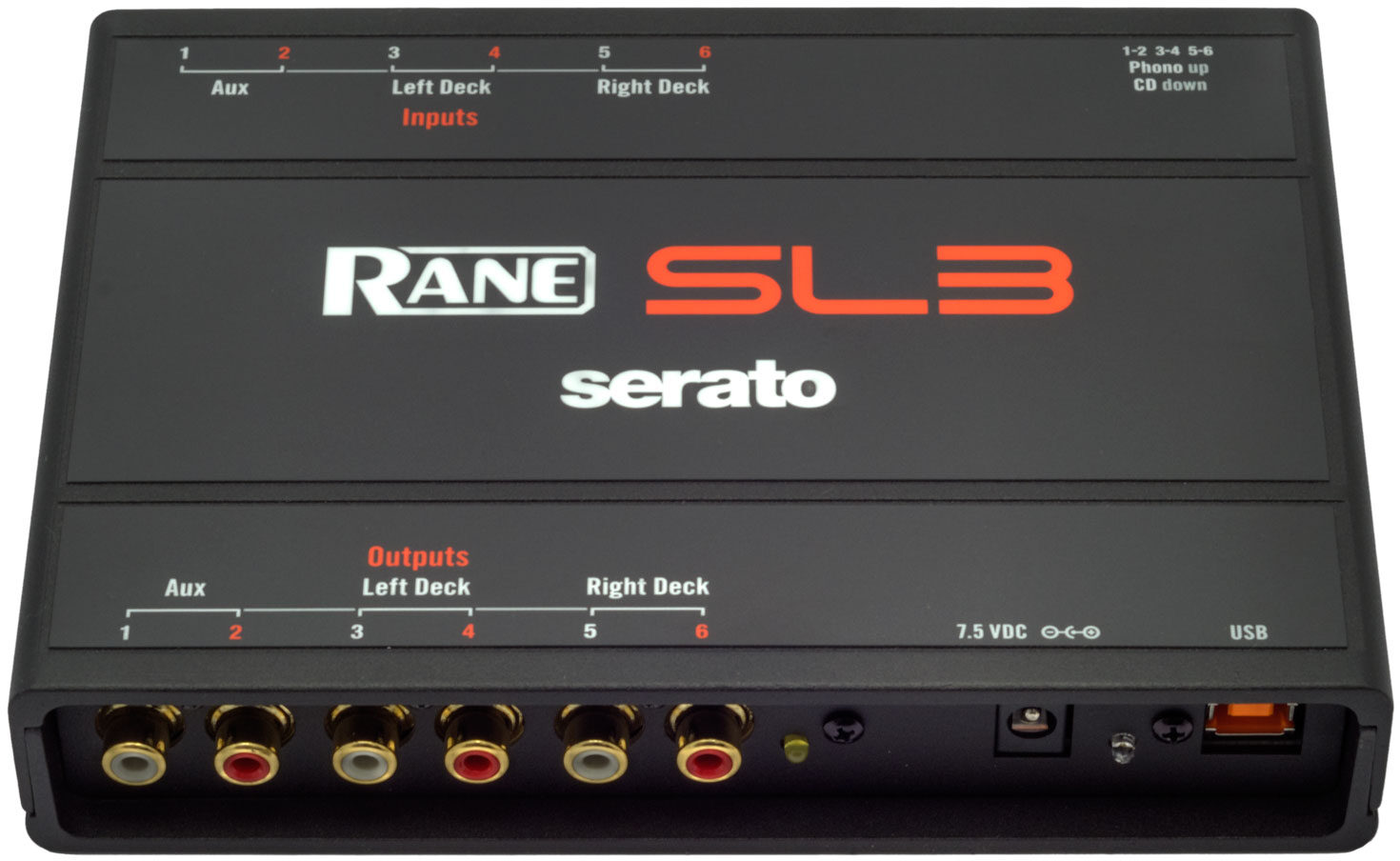
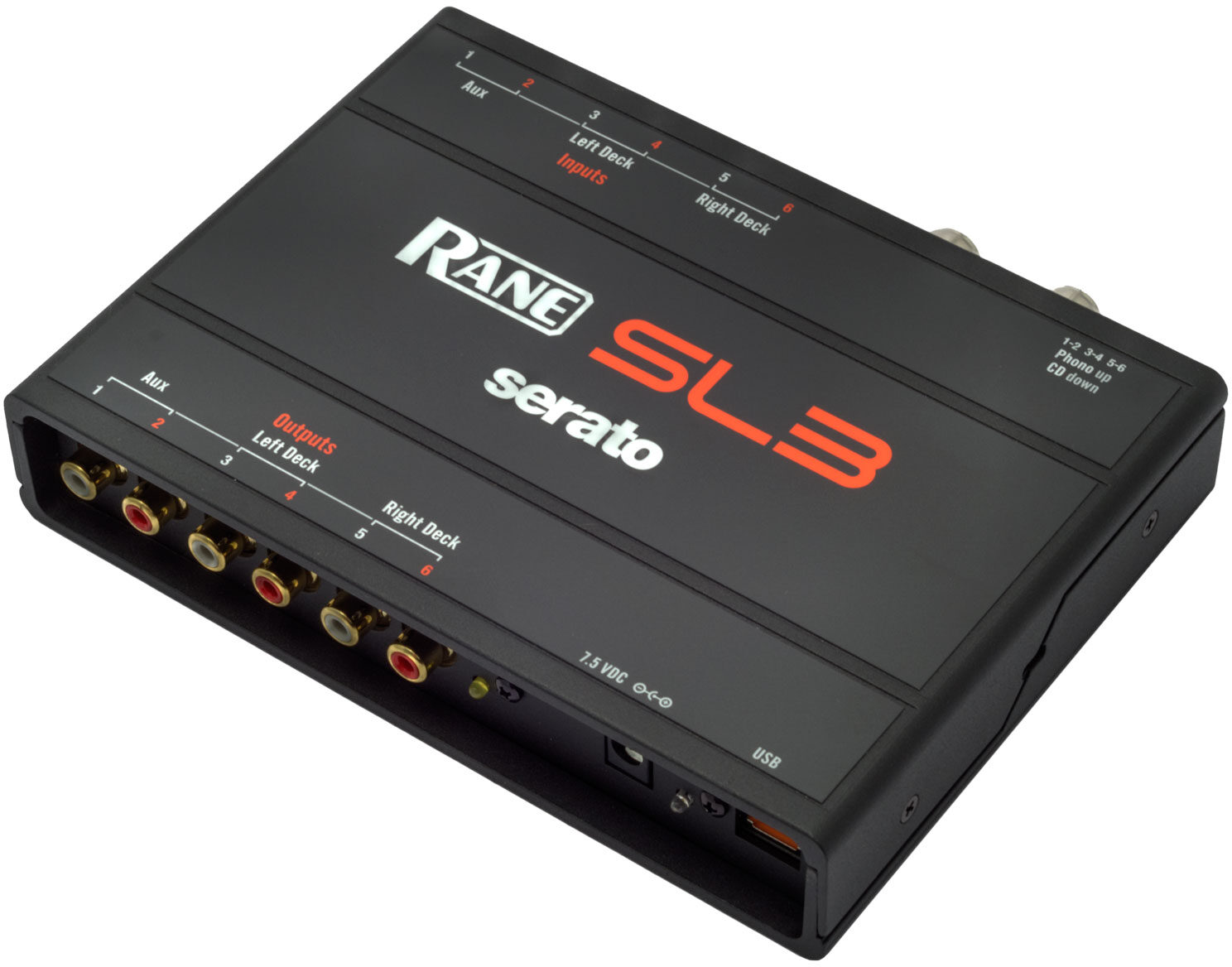
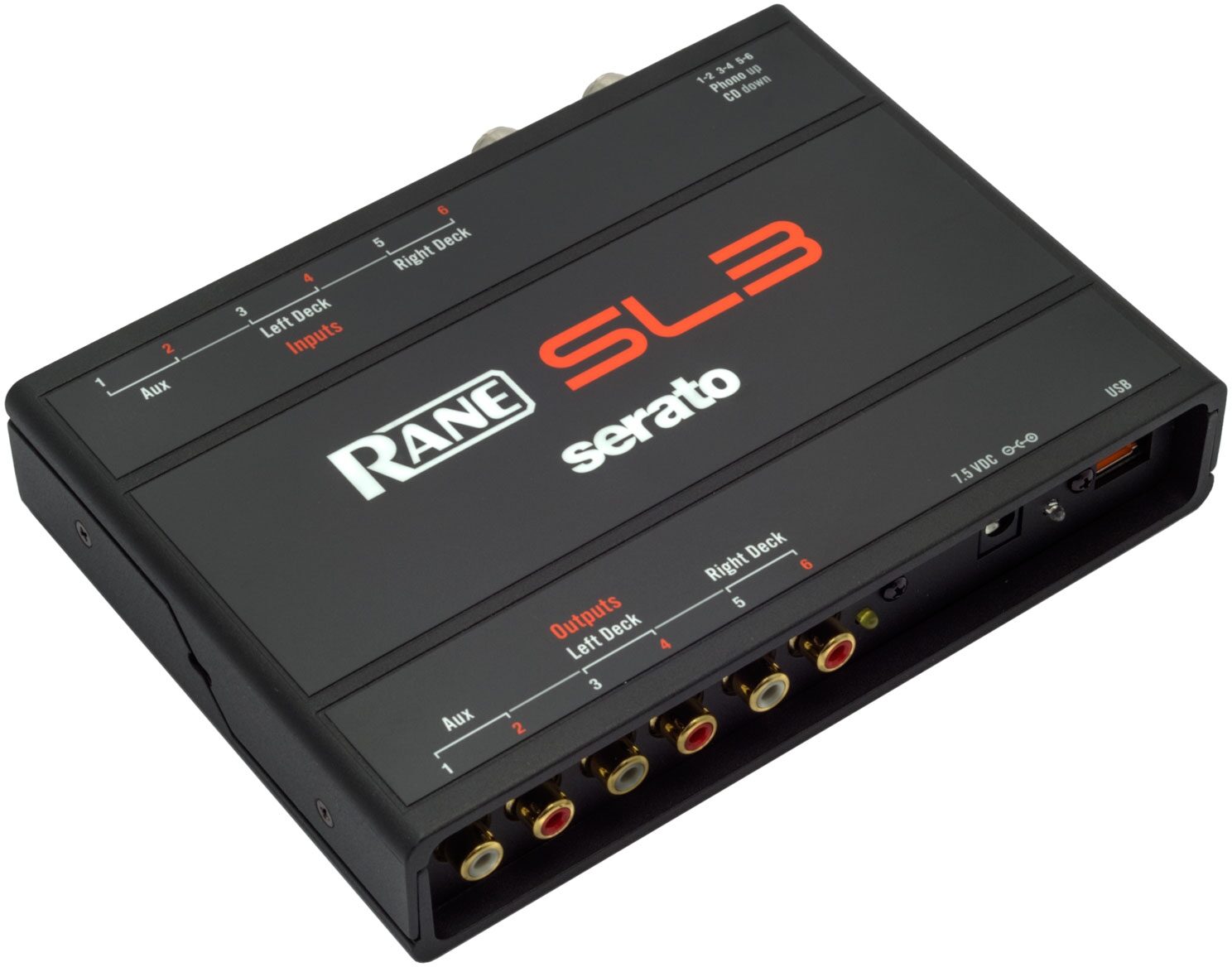
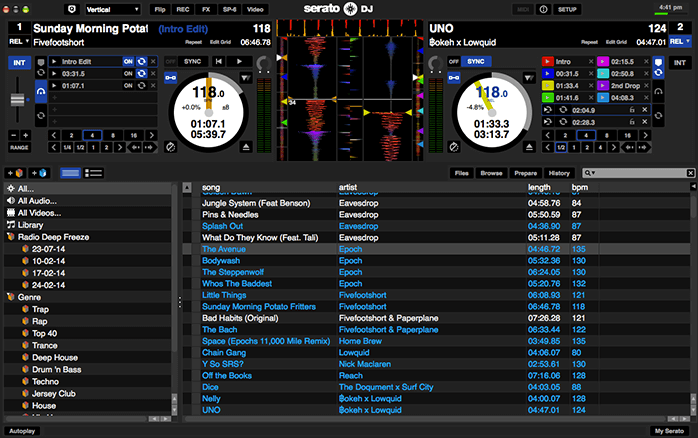
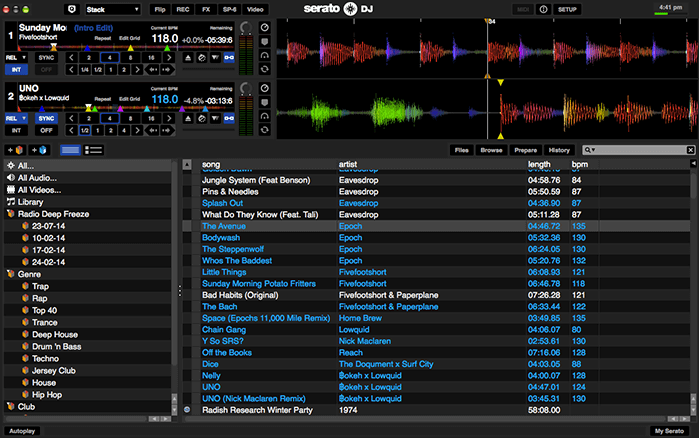
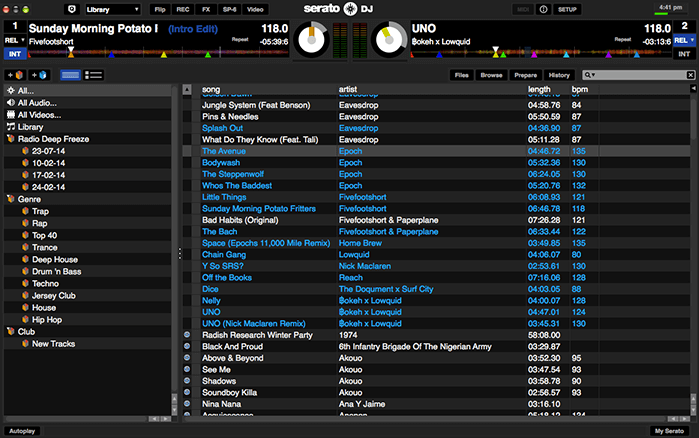
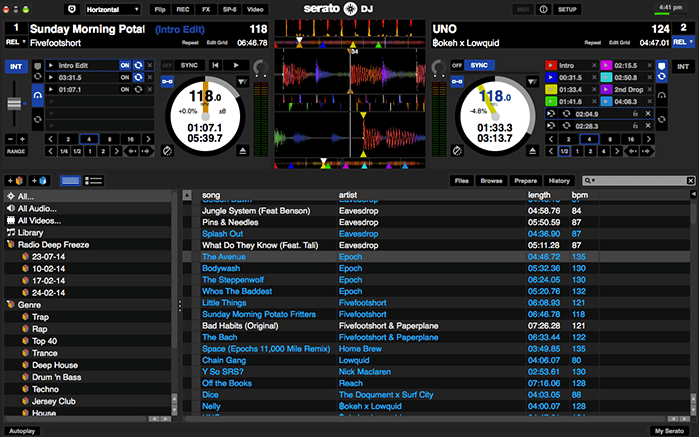
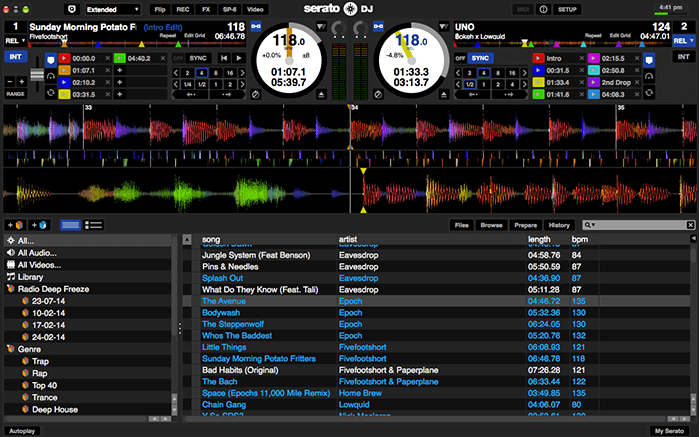
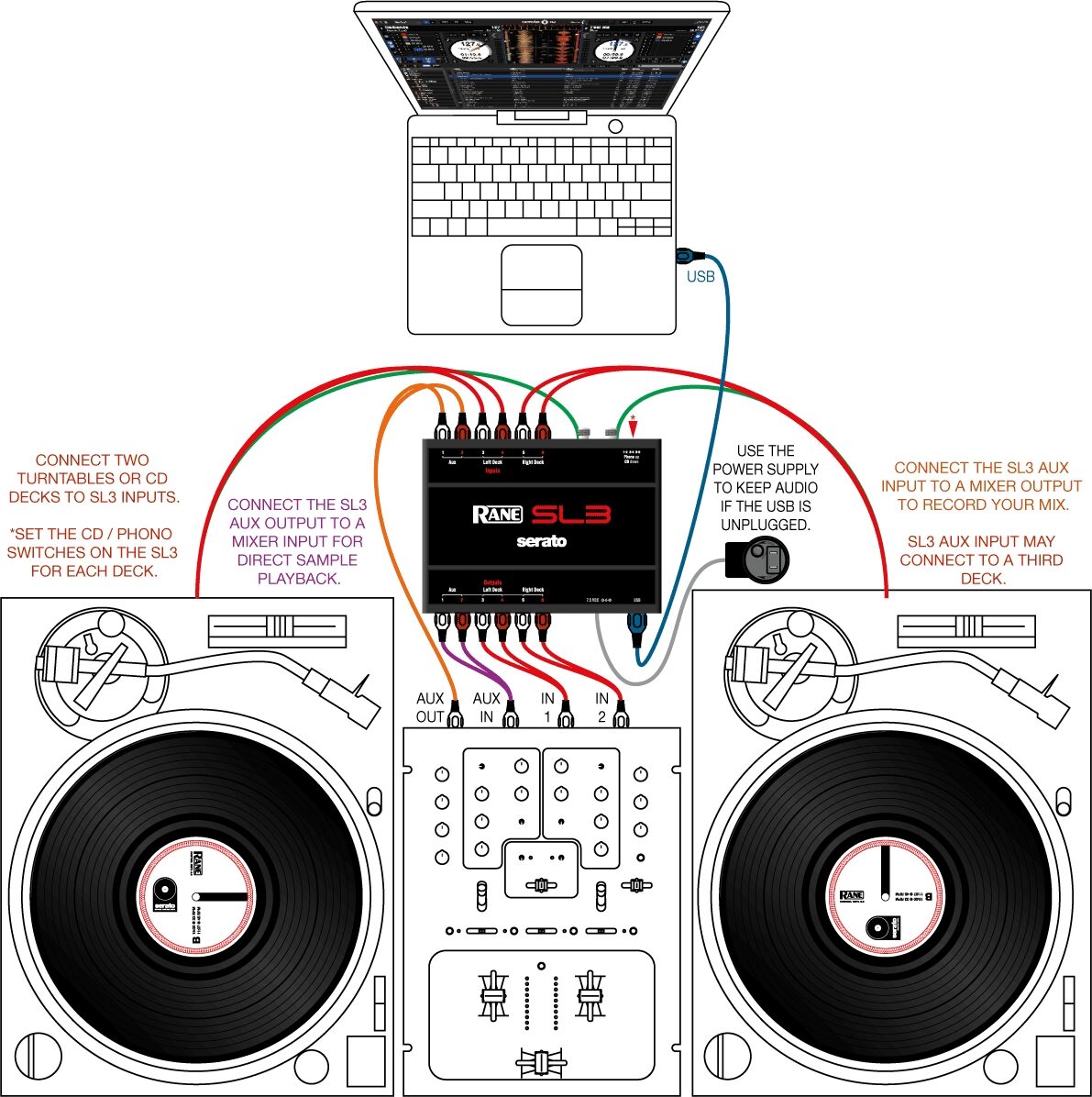
The groundbreaking DVS system, this black box lets you connect up to 3 turntables, fire up Serato DJ software, and get vinyl-like control over digital files.
Overview
Get turntable control over your digital files with the Rane SL3 Serato DJ audio interface. Not only does this robust USB interface have what it takes to survive the rigors of the road and the clamor of the club, and not only does it deliver nearly unparalleled audio performance and fidelity, but the Rane SL3 also provides rock-solid support for the most trusted virtual vinyl timecode system around: Serato DJ.
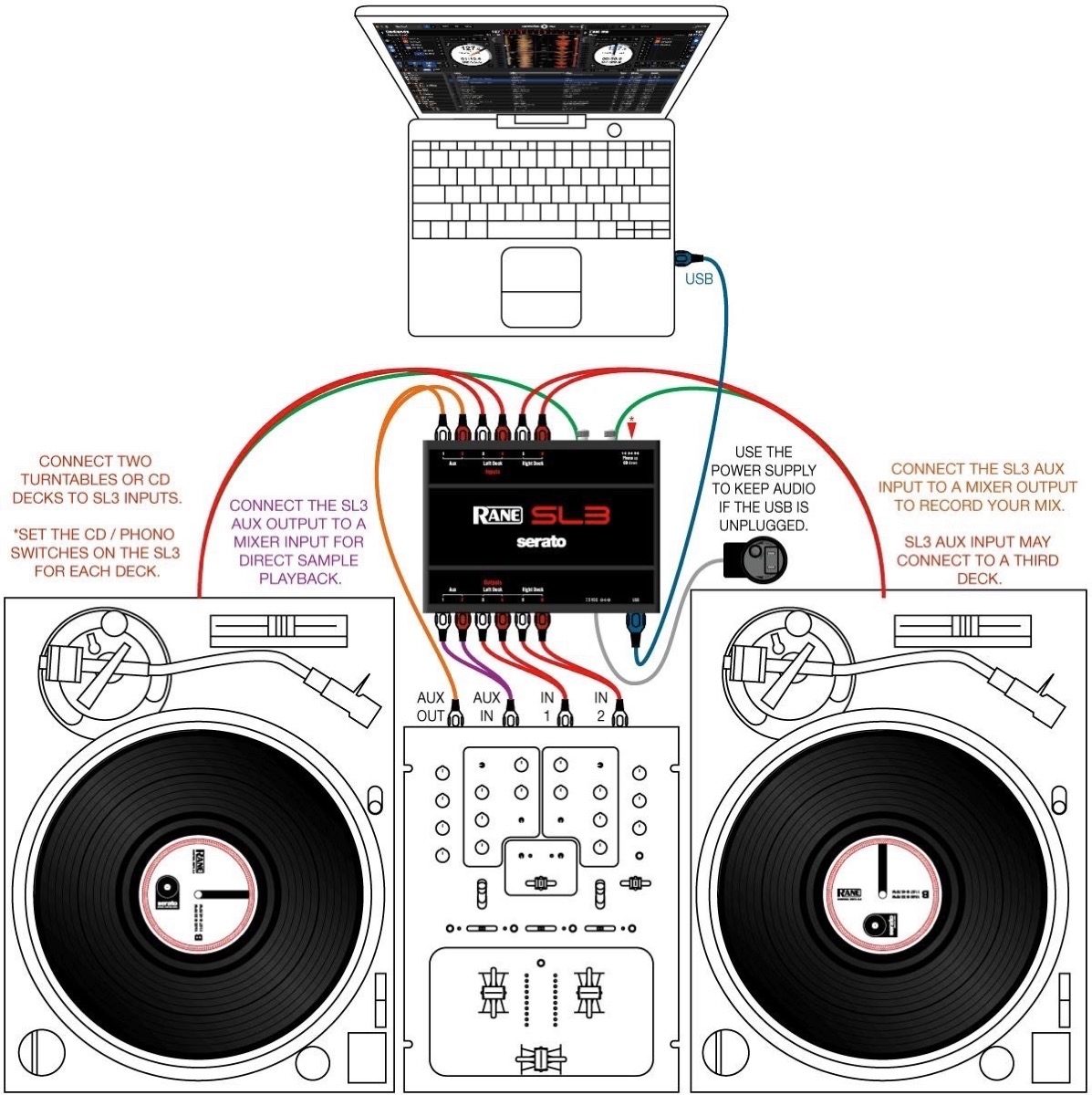
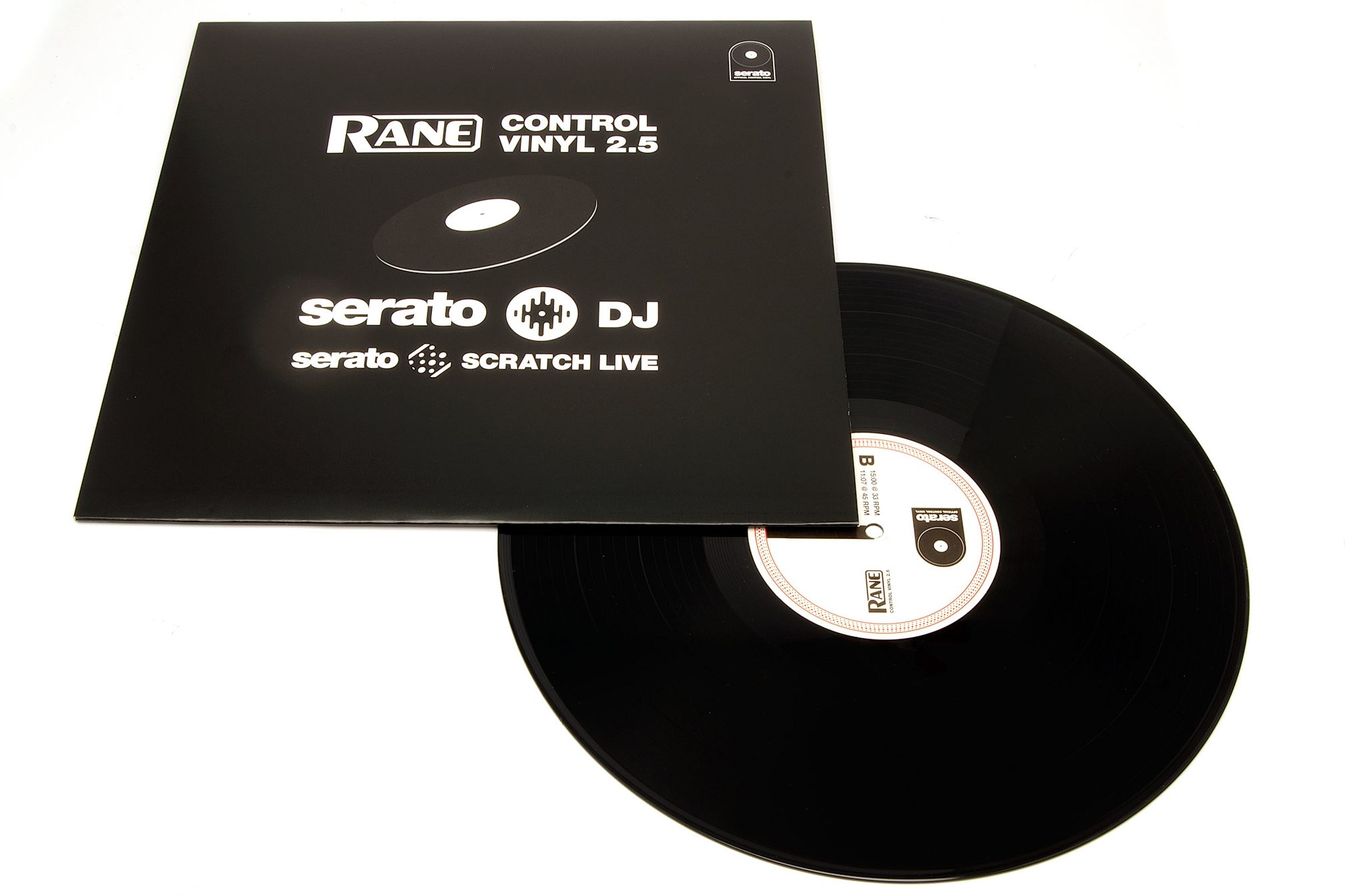
Connect one, two, or even three vinyl turntables or CDJs to the Rane SL3, connect your computer via USB, and you'll soon be scratching and mixing digital audio files on your Mac or PC's hard drive. Serato Control Vinyls and Control CDs are included, along with Serato DJ software, and the RCA cables and USB cables you'll need to hook it all up.
Connect one, two, or even three vinyl turntables or CDJs to the Rane SL3, connect your computer via USB, and you'll soon be scratching and mixing digital audio files on your Mac or PC's hard drive. Serato Control Vinyls and Control CDs are included, along with Serato DJ software, and the RCA cables and USB cables you'll need to hook it all up.
The Original Interface for Serato DJ
If you're looking for the professional virtual vinyl solution, this is it. Imagine: true turntable control over the days and days of music locked away on your laptop's hard drive. Serato DJ lets you use the same platter you've been using for years, with actual vinyl discs encoded with MIDI information (included with the interface), to mix, scratch, and cue digital audio files. Because the Rane SL3 uses a super-fast USB 2.0 connection, it's the most stable and most responsive interface for Serato Scratch. Because it was designed in conjunction with Serato, the SL3 makes it easy to access advanced features in the Scratch software -- features like Live Mix Recording and the virtual Sampler… read more Player can be used to their fullest thanks to dedicated aux inputs and outputs on the SL3.Superior Sonic Performance
Even if you're already using virtual vinyl -- even if you've already got the previous generation SL1 -- the Rane SL3 can't be ignored. This latest DJ interface from Rane boasts some of the best audio performance a professional could ask for, sporting studio-grade preamps, an improved output level, and 24-bit digital-to-analog converters for better-than-CD sound quality. Standard RCA connectors make it easy to interface with any mixer once the music leaves the SL3. What happens from there is up to the venue's sound system, but you can be sure the Rane SL3 has your end covered.Designed and Built For the Serious DJ
This compact little brick may look unassuming, but Rane cut no corners in designing the SL3. Housed in a rugged metal chassis, the SL3 can take its fair share of misdirected abuse. While most USB audio peripherals are powered via the USB port, Rane decided to power the SL3 independently, and it ships with its own power supply. This helps extend the life of the unit by feeding it a regulated voltage, and it also keeps the audio quieter. The ultra-low noise floor is aided by the SL3's galvanic isolation, which shields the audio path from computer-generated interference. In other words, the only glitchy static that makes it through to the speakers is the kind you added on purpose! read lessSpecs
USB Audio:
- Interface: USB 2.0 High Speed
- Power Requirements: 400mA, 5.0 Volts
- Audio Channels: Six Record and Six Playback
External Power Supply: 1060 mA, 7.5 Volts
Converters: 24-bit / 44.1 kHz or 48 kHz sample rate
Dynamic Range:
- DAC: 104 dB, A-weighted
- Line Thru: 101 dB, A-weighted
- Phono Thru: 98 dB, A-weighted
Frequency Response: 20 Hz to 20 kHz -3, +0 dB
THD+N: 0.009% at 1 kHz at 2 Vrms
Line Inputs:
- Unbalanced RCA
- Phono or Line Level Switchable
- Gain: Unity
- Maximum Input/Output: 3 Vrms
Phono Inputs:
- Unbalanced RCA
- Phono or Line Level Switchable
- Sensitivity: Adjustable 2.5 mV to 10 mV (106 mV max)
Dimensions:
Unit Size: 6.8" x 5" x 1.3" (17.3 x 12.6 x 3.3 cm)
Shipping Size: 14" x 14" x 4" (36 x 36 x 10 cm)
- Interface: USB 2.0 High Speed
- Power Requirements: 400mA, 5.0 Volts
- Audio Channels: Six Record and Six Playback
External Power Supply: 1060 mA, 7.5 Volts
Converters: 24-bit / 44.1 kHz or 48 kHz sample rate
Dynamic Range:
- DAC: 104 dB, A-weighted
- Line Thru: 101 dB, A-weighted
- Phono Thru: 98 dB, A-weighted
Frequency Response: 20 Hz to 20 kHz -3, +0 dB
THD+N: 0.009% at 1 kHz at 2 Vrms
Line Inputs:
- Unbalanced RCA
- Phono or Line Level Switchable
- Gain: Unity
- Maximum Input/Output: 3 Vrms
Phono Inputs:
- Unbalanced RCA
- Phono or Line Level Switchable
- Sensitivity: Adjustable 2.5 mV to 10 mV (106 mV max)
Dimensions:
Unit Size: 6.8" x 5" x 1.3" (17.3 x 12.6 x 3.3 cm)
Shipping Size: 14" x 14" x 4" (36 x 36 x 10 cm)
Rane's Description
Rane SL3 Serato DJ System
The SL3 gives you the freedom to take your entire digital music collection on the road with advanced Serato features that add extra creativity to your DJing. This intuitive system replicates the traditional DJing experience for "real feel" usability.The Rane SL3 USB 2.0 interface connects one, two or three standard vinyl or CD turntables to your computer using a single USB cable with audio connections to line inputs on your DJ mixer of choice.
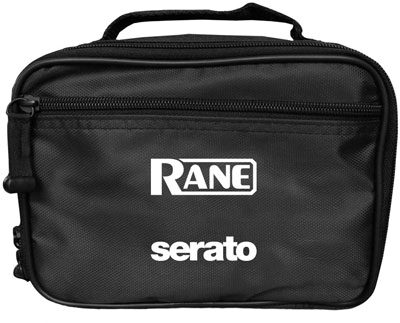
This system includes Serato DJ software and is compatible with Scratch Live. Rane's Core Audio and ASIO drivers connect to other popular DJ and DAW software. This package includes two 12" Serato Control Vinyl records, two Serato Control CDs, USB cable, and RCA audio cables to your mixer. An international power supply with country adaptors is included to insure optimum performance and easy transfer when unplugging USB between DJs. A soft zippered carrying case for the SL3 is also included.
Includes Serato DJ Software
Rane is pleased to announce that products which previously included Serato Scratch Live software are now fully supported by and include Serato DJ software. DJs currently using Serato Scratch Live with supported Rane hardware have the option to migrate to the new and improved Serato DJ free of charge. If you're familiar with Scratch Live, the transition to Serato DJ is easy and intuitive. Serato DJ is a free upgrade supporting the Sixty-One, Sixty-Two, Sixty-Eight, SL2, SL3, and SL4.Serato DJ provides support for DVS (digital vinyl system), iZotope FX, Sync, Slip Mode, more Cue points, jump-to-loop, an improved 24-slot sampler and takes advantage of the high performance, ultra-low latency Rane ASIO and Core Audio drivers. Both programs share compatible song libraries, the same general workflow and deck layout.
Upgrading is optional -- Serato Scratch Live will still work with the Sixty-One, Sixty-Two, Sixty-Eight, SL2, SL3, and SL4. You can have both programs installed, and use one or the other. You can also use the included Core Audio and ASIO drivers to run any other popular DJ and DAW software program you like.
Ultra-Low-Latency Core Audio and ASIO Drivers
Rane's ultra low latency, multi-client ASIO and Core Audio drivers set the standard for USB streaming devices, working with all the major DJ and DAW software programs.Rane ASIO (PC) and Core Audio (Mac) drivers allow use with multiple third-party software applications supporting Core Audio or ASIO. ASIO and Core Audio drivers are multi-client, meaning they allow multiple applications on a computer to share the device at the same time. When using a Rane product with Serato Scratch Live, proprietary Serato Audio Research drivers are used in place of Rane ASIO and Core Audio drivers. These drivers are used when Scratch Live is not running.
Take these industry standard drivers and unleash your Rane audio device on any professional software package of your choice. These drivers are fast and reliable, designed for professionals with demanding needs.
Compatible with Serato Scratch Live Software
For legacy users, Serato Scratch Live provides a tight and authentic digital vinyl system with its unique, non-time-based Serato Noisemap control signal. Organize and browse your music collection, load music files onto Virtual Decks for playback, manage Cues, Loops and Samples, and add powerful DJ Effects.The Serato Video software plug-in for Scratch Live adds the ability to playback, mix and add effects to video files. Serato's Bridge plug-in allows you to record your Serato DJ performances as Ableton Live Sets, and play Ableton Live Sets with your turntables or CDJs.
Aux Inputs and Outputs
The SL3's auxiliary input provides a live input feed for creative sampling, recording your set or using a third vinyl turntable or CD deck. The auxiliary output delivers a third deck or the SP-6 sample player output to a dedicated input on your mixer. 24-bit audio processing delivers exceptional sound.The included Core Audio (Mac) or ASIO (Windows) drivers allow the SL3 to act as a 6-in 6-out USB external sound card for use with all popular DJ and DAW audio software.
The SL3 accepts turntable outputs or CD line input levels with individual rear panel switches. The studio-grade phono preamp RIAA equalization in the SL3 is extremely accurate, for the best sound from your vinyl. The SL3 accepts 3Vrms inputs from CD decks without clipping, and outputs 3Vrms to the mixer without clipping. Other interfaces can't handle this much signal.
Rugged and Compact Die-cast Design
A rugged die-cast design ensures your SL device is road-worthy and able to take a beating. A Kensington Security slot allows your device to be locked-down with a security cable.Includes Power Supply and Deck Thrus for Playing Regular Vinyl and CDs
The SL3 must be powered by USB or the included external power supply for the Analog Deck Thrus to work, which are turned on and off in the driver Control Panel.If external power is not connected, the SL3 draws its power from the USB port. Plugging in an external supply removes the power drain from the USB port. Power switching is automatic, and the SL3 continues to operate uninterrupted as long as a power source is available.
To remove the laptop and keep a set going with regular vinyl or CD:
- Plug in the included external power supply and the yellow POWER indicator lights on the SL3.
- Activate the Analog Output for the Deck you want to hear in the control panel.
- Unplug the USB cable from the computer, and your turntable and mixer continue to play.
The included universal power supply includes different input plugs for the USA, Europe, UK and Australia.
Galvanic Isolation Separates Computer Noise from Audio
Units without galvanic isolation are susceptible to noise from connected computers. Galvanic Isolation guarantees audio from your mixer and decks is actively isolated from USB and power sources, eliminating ground loops and computer noise. Connect your device in any environment with confidence that it will be noise-free.Guaranteed Love
Rane offers a 3-year limited USA warranty for all registered products. Rest assured, when you buy new Rane gear, Rane has you covered with free no-hassle technical support. When you call Rane's friendly and knowledge support team during business hours, you'll immediately reach a real human being. No robot phone menus, ever!Awards:
- 2012 DJ Mag Tech Award Winner for Serato Scratch Live "Best Digital Vinyl System."- 2012 DJ Mag Tech Award Winner for Serato Video "Best Audiovisual Product."
- 2013 DJ Mag Tech Award Winner for Serato Scratch Live "Best Digital Vinyl System."
Features:
- Inputs for three turntables or CD decks, switchable in any combination- High output improves ability to easily match levels of various source types.
- Studio-grade phono preamps, and 48kHz 24-bit audio processing for superior sound quality
- Advanced, low latency ASIO and Core Audio Drivers for compatibility with third-party software
- Built-in galvanic isolation to eliminate computer noise and interference
- Compact and rugged hardware design
- Aux Input for session recording or LiveFeed
- Aux Output assignable to the SP-6 Sample Player
- High-grade Phono Preamps upgrade the performance of most mixers
- Software switchable Direct Thru Connections for regular deck playback
- Bus power from USB port or with the included external power supply
Reviews
Reviewers gave this product an overall rating of 4.5 out of 5 stars.
(14 ratings)
Submitted October 22, 2013 by A. Perry in Charlotte, NC
""TheReal" DJ Perry is a big, big hit w/ the Rain Serato Scratch Live SL3 system!!!"
Verified Customer
zZounds has verified that this reviewer made a purchase from us.
The SL3 DJ system provides a professional creative mix with musical character, that will have your client's dance floor packed from start to end. You will have a 5 star performance right at your finger tips and because the SL3 delivers an undeniable WOW Factor of creative sound! I can ensure that everyone will be talking about your mixes for years to come. Wow! It's easy to navigate your complex mixes and this product takes you to a hole new plato (BAM!) buy it now!
"TheReal" DJ Perry
WWW.MIXINGOFSOULS.NET
Musical Background:
Jam at home and professionally
Musical Style:
Christian, Jazz, R &B, Dub Step, electronic, Dance Pop & Reggae
2 of 2 people (100%) people found this review helpful. Did you?
Thanks for your opinion!
No longer available at zZounds
In most cases, a product is unavailable because it has been discontinued by the manufacturer

This is a carousel with product cards. Use the previous and next buttons to navigate.
People who bought this item also bought
Pioneer DJ PLX-1000 Direct-Drive Turntable
$739.00
- 12 x$61.58
- 8 x$92.38
- No Credit Check6 x$123.17
- No Credit Check4 x$184.75
Pioneer DJ DJM-S5 DJ Mixer
$839.00
- 12 x$69.92
- 8 x$104.88
- No Credit Check6 x$139.83
- No Credit Check4 x$209.75
DAS Audio Action-512A Loudspeaker
$1,045.00
- 18 x
- 12 x$87.08
- 8 x$130.63
- No Credit Check6 x$174.17
- No Credit Check4 x$261.25
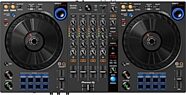
Pioneer DJ DDJ-FLX6 DJ Controller
$649.00
- 12 x$54.08
- 8 x$81.13
- No Credit Check6 x$108.17
- No Credit Check4 x$162.25
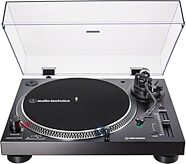
Audio-Technica AT-LP120XUSB Direct-Drive Turntable
$349.00
- 8 x$43.63
- No Credit Check6 x$58.17
- No Credit Check4 x$87.25
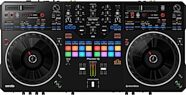
Pioneer DJ DDJ-REV5 DJ Controller
$1,099.00
- 12 x$91.58
- 8 x$137.38
- No Credit Check6 x$183.17
- No Credit Check4 x$274.75