
Customer Kudos
"zZounds makes it VERY easy to get the gear you've always wanted. The monthly payment plans are awesome and I've been able to build my studio, piece by piece, over 3 years. My studio is incredible and so much fun. Their customer support is outstanding as well. Never had an issue."
May 10, 2026
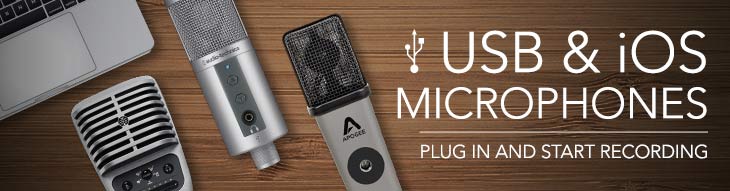
Buying Guide: Best USB Microphones for Recording at Home
Plug in and start recording fast with a USB microphone. These easy-to-use mics connect directly to your Mac, PC, or mobile device -- no need for a preamp or audio interface. From budget-friendly USB and iOS microphones under $200, to USB versions of studio staples, zZounds has a wide range of USB mics. Follow our guide to find USB mics for recording vocals, podcasts, voiceover, live performances, and more.
USB Microphones with Lightning Connectors for iOS Recording
These microphones come with a USB cable for your Mac or PC, as well as a Lightning cable for older iPhones and iPads. Record directly to your iOS device or your computer with a USB/Lightning microphone.
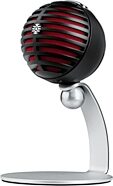
Shure MOTIV MV5 USB Digital Condenser Microphone (with USB-A and Lightning Cables) - Original Packaging
$99.00
- No Credit Check6 payments of$16.50/mo
Comes in 2 Colors, 2 Mfg Models
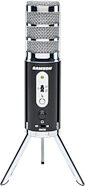
Samson Satellite Dual-Diaphragm USB/iOS Condenser Microphone
$49.99
- No Credit Check4 payments of$12.50/mo
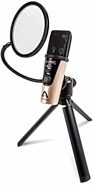
Apogee HypeMiC USB and iOS Microphone with Compressor
$399.00
- 8 payments of$49.88/mo
- No Credit Check6 payments of$66.50/mo
Lightning Microphones for iOS Devices
These microphones have a Lightning connector that plugs directly into your older iPhone or iPad. Some microphones, like the Shure MOTIV MV88 Plus Video Kit, also include micro-USB or USB-C connector for use with Android phones. Upgrade the sound on your mobile device recordings with these mics!
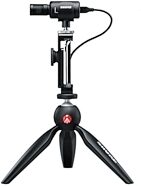
Shure MOTIV MV88 Plus Video Kit Stereo Condenser Microphone (with Lightning and USB-C Cables)
$255.95
- No Credit Check6 payments of$42.66/mo
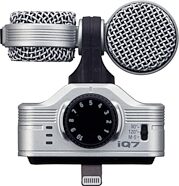
Zoom iQ7 Compact iOS Lightning Mid-Side Condenser Microphone
$99.99
- No Credit Check6 payments of$16.66/mo
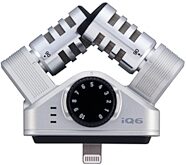
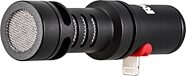
USB Mics Under $100
For less than $100, you can pick up a USB condenser microphone that connects directly to your computer to capture crisp, accurate audio.
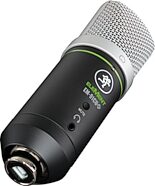
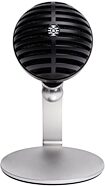
Shure MOTIV MV5C Home Office Microphone (with USB-C and USB-A Cables)
$99.00
- No Credit Check6 payments of$16.50/mo
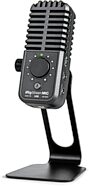
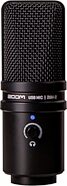
USB Microphones for Recording Vocals, Voiceover, and More
Want to record better vocals in your home studio? These higher-end USB mics are similar to the large-diaphragm condensers and dynamics you'd find in pro recording setups, but with USB connectors that plug directly into your computer.
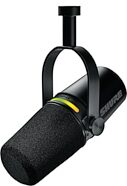
Shure MV7+ Hybrid USB/XLR Podcast Microphone
$299.00
- 8 payments of$37.38/mo
- No Credit Check6 payments of$49.83/mo
Comes in 2 Colors, 2 Mfg Models
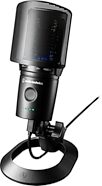
Audio-Technica AT2020USB-XP Cardioid Condenser USB Microphone
$219.00
- No Credit Check6 payments of$36.50/mo

Rode NT1 5th Generation Hybrid XLR/USB Condenser Microphone
$214.00
- No Credit Check6 payments of$35.67/mo
Comes in 2 Colors
Apogee HypeMiC USB and iOS Microphone with Compressor
$399.00
- 8 payments of$49.88/mo
- No Credit Check6 payments of$66.50/mo
Multi-Pattern/Stereo USB Microphones
Multi-pattern microphones let you go beyond the standard cardioid (unidirectional) pickup pattern. Try an omnidirectional pattern to pick up an uncolored, natural-sounding 360-degree ambiance. Try a bidirectional or "figure-8" pattern to record an interview with host and guest on either side of the mic -- or use one side of the bi-di pattern to lend a heightened, focused quality to solo vocals.
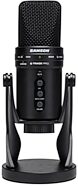
Samson G-Track Pro Studio USB Condenser Microphone
$129.99
- No Credit Check6 payments of$21.66/mo
Comes in 2 Colors
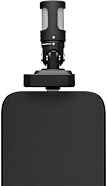
Shure MOTIV MV88 USB-C Stereo Microphone for iOS And Android
$159.00
- No Credit Check6 payments of$26.50/mo
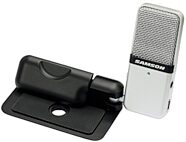
Hybrid USB + XLR Microphones
These versatile microphones have USB output as well as XLR output, so you can connect them directly to your computer or smart device via USB, or into a preamp, mixer, or audio interface's XLR input.
Shure MV7+ Hybrid USB/XLR Podcast Microphone
$299.00
- 8 payments of$37.38/mo
- No Credit Check6 payments of$49.83/mo
Comes in 2 Colors, 2 Mfg Models
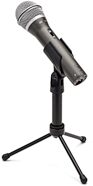
Rode NT1 5th Generation Hybrid XLR/USB Condenser Microphone
$214.00
- No Credit Check6 payments of$35.67/mo
Comes in 2 Colors
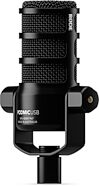
Rode PodMic USB Ultraversatile Dynamic USB + XLR Microphone
$190.00
- No Credit Check6 payments of$31.67/mo
Comes in 2 Colors
XLR to USB Adapters: Connect an XLR mic to a computer
If you already own an XLR mic that you like, an XLR to USB interface is the simplest and most affordable way to record that microphone onto your computer. Like a mini audio interface with an in-line preamp, these adapters convert an XLR microphone's analog signal to digital audio that you can record with your computer's DAW software.
Want to use a USB to XLR adapter with phantom-powered condenser microphones? Pick up an adapter that provides +48V phantom power, like the Shure MVX2U adapter.
To record at higher sample rates and greater bit depth, simultaneously capture multiple XLR microphones or 1/4" instruments, add outputs to feed your monitor speakers and headphones, and more, step up to a multi-channel USB audio interface.
Want to use a USB to XLR adapter with phantom-powered condenser microphones? Pick up an adapter that provides +48V phantom power, like the Shure MVX2U adapter.
To record at higher sample rates and greater bit depth, simultaneously capture multiple XLR microphones or 1/4" instruments, add outputs to feed your monitor speakers and headphones, and more, step up to a multi-channel USB audio interface.
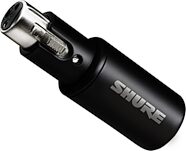
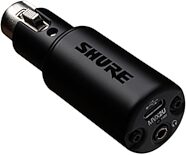
Shure MVX2U MOTIV XLR to USB Adapter Digital Audio Interface
$89.95
- No Credit Check4 payments of$22.49/mo
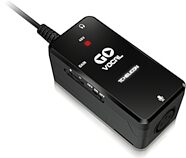
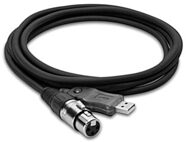
Hosa UXA-110 Tracklink Microphone XLR to USB Interface
$58.95
- No Credit Check4 payments of$14.74/mo