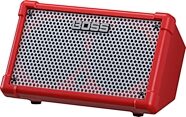
Boss Cube Street II Portable Guitar Amplifier
A total solution for buskers and solo performers, the Cube Street II features two input channels, battery operation, on-board looping, and much more.
$399.99
- 8 payments of$50.00/mo
- No Credit Check6 payments of$66.66/mo
Roland Cube Street Battery-Powered Stereo Guitar Combo Amplifier (5 Watts, 2x6.5")
No longer available at zZounds


zZounds Gear Experts Say...
With six amp models and eight effects packed in a 12" x 9" battery-powered package, the Cube Street is as much a portable audio toolbox as it is an amp.
Overview
With a footprint of 12" x 9", the Cube Street by Roland is a portable, compact powerhouse designed for the musician on the go. Whether you need something for rehearsal, guitar lessons, or busking on the street, there is no amp better designed for your intended uses than this. Though it can be used with AC power, you'll probably want to use your Cube Street on-the-go, making the unit's battery operation your best friend. Even packed full of the 6 AA batteries required to power the Cube, this amp weighs in at a svelte 11 pounds. Light as a feather, but heavy enough for rock!
Versatility is its Middle Name
If you think small size means small in features, then you're in for a treat. The Cube Street actually boasts more features than you'll find on most full-sized amps. With its dual-channel architecture, you can plug your guitar into the 1/4-inch instrument jack and your microphone into the XLR input to sing while you shred. Part amp, part PA, it also includes a 1/8-inch auxiliary jack to plug in your MP3 or CD player for jamming along to backing tracks. When you're warming up before the gig, use the onboard headphone jack for silent practicing.COSM Technology for COSMic Tones
By now you've got to be thinking to yourself, "Ok, I get it. This tiny little box has every feature I could want or need from a portable guitar amp and personal PA, but there's no way it actually sounds good!" Think again. Featuring two stellar 6.5-inch Neodymium speakers, this little bugger has… read more tone, volume, and a stereo spread that belies its size, putting out a total of five really loud and clean watts. Tweakability is the key to honing in on your signature tones, which is why the XLR channel features volume, bass, treble, and delay/reverb knobs. Add to that the controls on the instrument channel, which are gain, volume, bass, middle, treble, EFX, and delay/reverb, and you've got yourself one versatile little Cube. As if that weren't enough, Roland managed to squeeze in 8 amp models and 6 effects built using their COSM technology -- yep, the very same technology powering all of your favorite Boss pedals. Running the gamut from sparkly pop clean tones to molten metal-core brutality, you will be able to find the perfect sound for your application, every time. Just dial in your sound with the EFX knob, and off you go!9-Volt Adapter and Onboard Tuner Included
This amp includes a 9V AC power adapter for powering it from a wall socket, or you can get 15 hours of life from 6 AA batteries; that's enough juice for even the most excessive Trey Anastasio-inspired jam sessions. Last but certainly not least, the amp includes a built-in chromatic tuner, eliminating yet another piece of gear to lug around with you. read lessSpecs
Rated Power Output: 2.5 W + 2.5 W
Nominal Input Level (1 kHz):
MIC/LINE Channel: -50 / -10 dBu
GUITAR/INSTRUMENT Channel: -10 dBu
STEREO AUX IN: -10 dBu
Speakers: 16 cm (6.5 inches) x 2
Controls:
POWER Switch
(MIC/LINE Channel)
SELECT Switch (MIC/LINE), VOLUME Knob, EQUALIZER Knobs (BASS, TREBLE), DELAY/REVERB Knob
(GUITAR/INSTRUMENT Channel)
TUNER Switch, TYPE Switch, GAIN Knob, VOLUME Knob, EQUALIZER Knobs (BASS, MIDDLE, TREBLE), EFX Knob, DELAY/REVERB Knob
Indicators: TUNER, POWER
Connectors:
(MIC/LINE Channel)
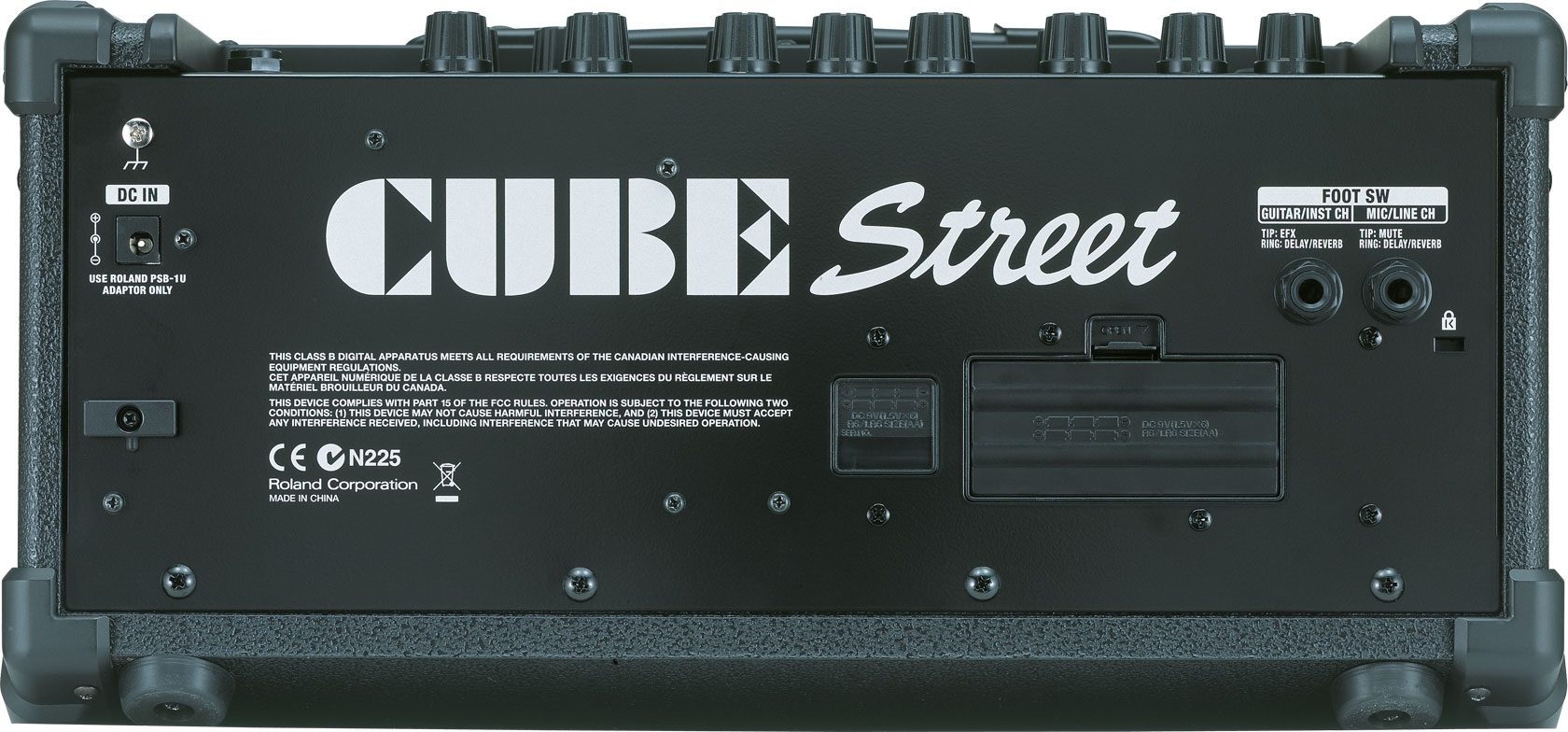
Input Jacks (XLR type, 1/4 in. phone type), Foot Switch Jack (1/4 in. TRS phone type)
(GUITAR/INSTRUMENT Channel)
Input Jack (1/4 in. phone type), Foot Switch Jack (1/4 in. TRS phone type)
STEREO AUX IN Jack (Stereo miniature phone type), PHONES Jack (Stereo 1/4 in. phone type), AC Adaptor Jack
Power Supply: DC 9 V: AC Adaptor or Dry Battery (LR6 (AA) type)(optional) x 6
Current Draw: 235 mA
Accessories Included:
Power Cord
AC Adaptor
Owner's Manual
Options:
Carrying Case
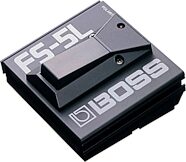
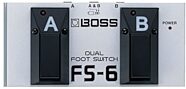
Foot Switch (BOSS FS-5U, FS-6)
Connection Cable (PCS-31)
Size and Weight
Width: 415 mm, 16-3/8 inches
Depth: 295 mm, 11-5/8 inches
Height: 250 mm, 9-7/8 inches
Weight: 5.2 kg, 11 lbs. 8 oz.
(Weight is including batteries.)
Nominal Input Level (1 kHz):
MIC/LINE Channel: -50 / -10 dBu
GUITAR/INSTRUMENT Channel: -10 dBu
STEREO AUX IN: -10 dBu
Speakers: 16 cm (6.5 inches) x 2
Controls:
POWER Switch
(MIC/LINE Channel)
SELECT Switch (MIC/LINE), VOLUME Knob, EQUALIZER Knobs (BASS, TREBLE), DELAY/REVERB Knob
(GUITAR/INSTRUMENT Channel)
TUNER Switch, TYPE Switch, GAIN Knob, VOLUME Knob, EQUALIZER Knobs (BASS, MIDDLE, TREBLE), EFX Knob, DELAY/REVERB Knob
Indicators: TUNER, POWER
Connectors:
(MIC/LINE Channel)
Input Jacks (XLR type, 1/4 in. phone type), Foot Switch Jack (1/4 in. TRS phone type)
(GUITAR/INSTRUMENT Channel)
Input Jack (1/4 in. phone type), Foot Switch Jack (1/4 in. TRS phone type)
STEREO AUX IN Jack (Stereo miniature phone type), PHONES Jack (Stereo 1/4 in. phone type), AC Adaptor Jack
Power Supply: DC 9 V: AC Adaptor or Dry Battery (LR6 (AA) type)(optional) x 6
Current Draw: 235 mA
Accessories Included:
Power Cord
AC Adaptor
Owner's Manual
Options:
Carrying Case
Foot Switch (BOSS FS-5U, FS-6)
Connection Cable (PCS-31)
Size and Weight
Width: 415 mm, 16-3/8 inches
Depth: 295 mm, 11-5/8 inches
Height: 250 mm, 9-7/8 inches
Weight: 5.2 kg, 11 lbs. 8 oz.
(Weight is including batteries.)
Documents and Manuals
For support or warranty questions, please contact the manufacturer:
Phone: 323-890-3700
Web: https://www.roland.com/us/support/
Phone: 323-890-3700
Web: https://www.roland.com/us/support/
Roland's Description
Roland Cube Street Battery-Powered Amp
If you're a musician who's on the move, the Cube Street is for you. Whether you're running to a rehearsal, lesson, street gig, or any situation that requires portability and versatility, the Cube Street is a battery-powered marvel that's ready to travel fast. The Cube Street sounds amazing and is capable of high-volume output thanks to dual (or two) digital power amps and a pair of high-performance neodymium speakers. And just wait until you hear the built-in effects and amp models!Features:
- Compact, lightweight stereo amplifier with slanted cabinet design- Two high-performance 6.5 in. neodymium speakers
- Battery driven (6 x AA, maximum 15-hour continuous use)
- Dual-channel architecture with Guitar/Inst and Mic/Line inputs
- 8 COSM Amps, 6 digital effects, and chromatic tuner built in
- 2-band EQ, Delay/Reverb for the Mic/Line-channel
- AC Adapter included
Great Sound to Go
Roland Cube amps are famous for performance that exceeds their physical size, and the Cube Street is no exception. With two highperformance neodymium speakers onboard, this amp sounds incredible, and is capable of high-volume output that defies its physical dimensions. Best of all, it can run for up to 15 hours on just six AA alkaline batteries.8 Amps Onboard
More than meets the eye, the Cube Street is actually 8 different amps in one via its built-in COSM amp models. From tube-driven blues classics to modern metal stacks, Roland's COSM technology is world famous for capturing every nuance of the original amps - from the preamp and circuits to the speaker.Bonus Features
The Cube Street is chock full of extra features to make your gigs easier, including a built-in chromatic tuner and 2 digital effects processors. In addition to the aforementioned COSM amp models, you can choose from six of Roland's famous effects to enrich your sound.Portable PA
It's a guitar amp and mini PA system in one! With its dual-channel architecture and XRL/1/4 in. Microphone input, you can sing and play guitar through one convenient amplifier. There's even a delay and reverb devoted to the Mic/Line channel.Choose Your Color
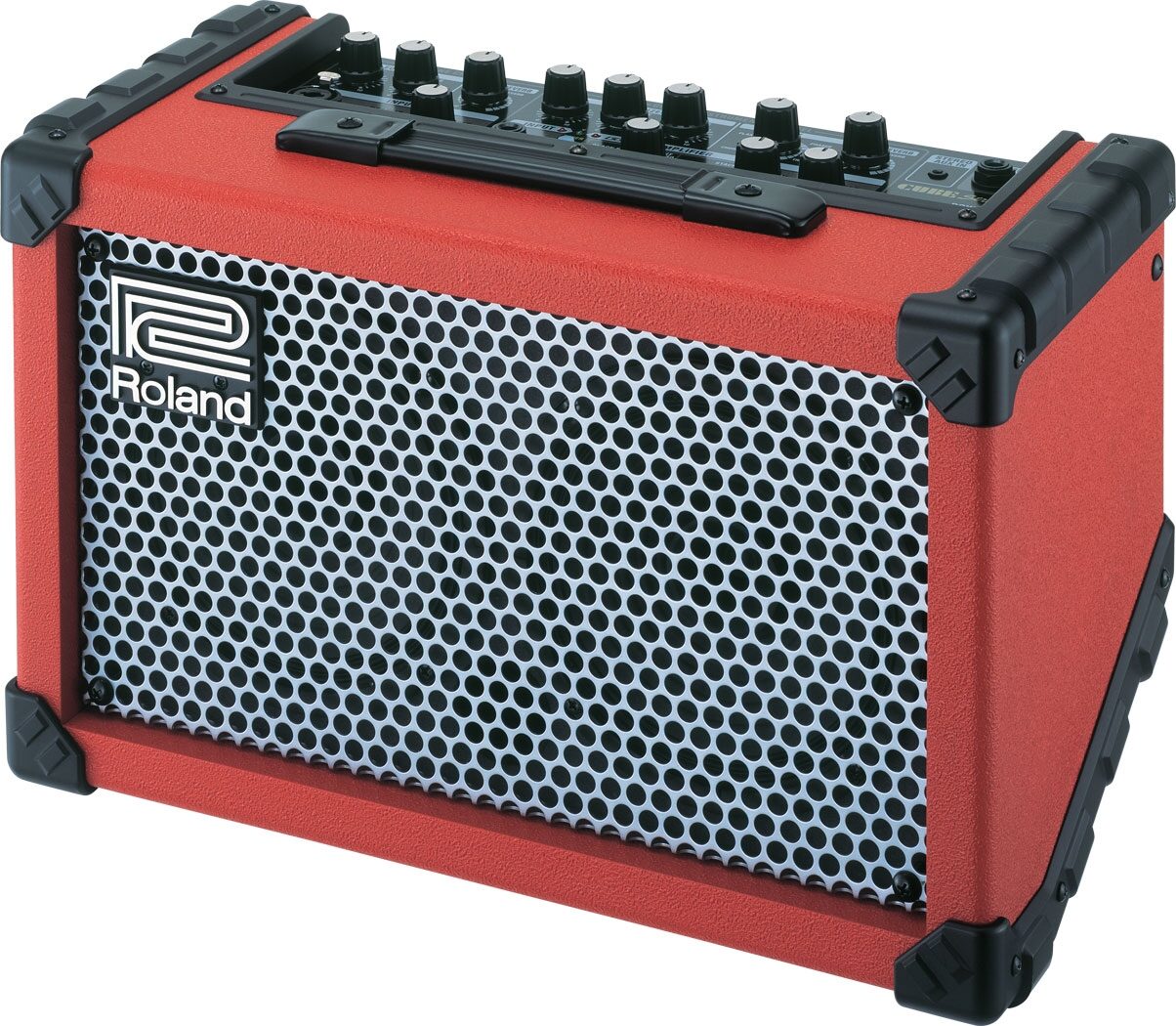
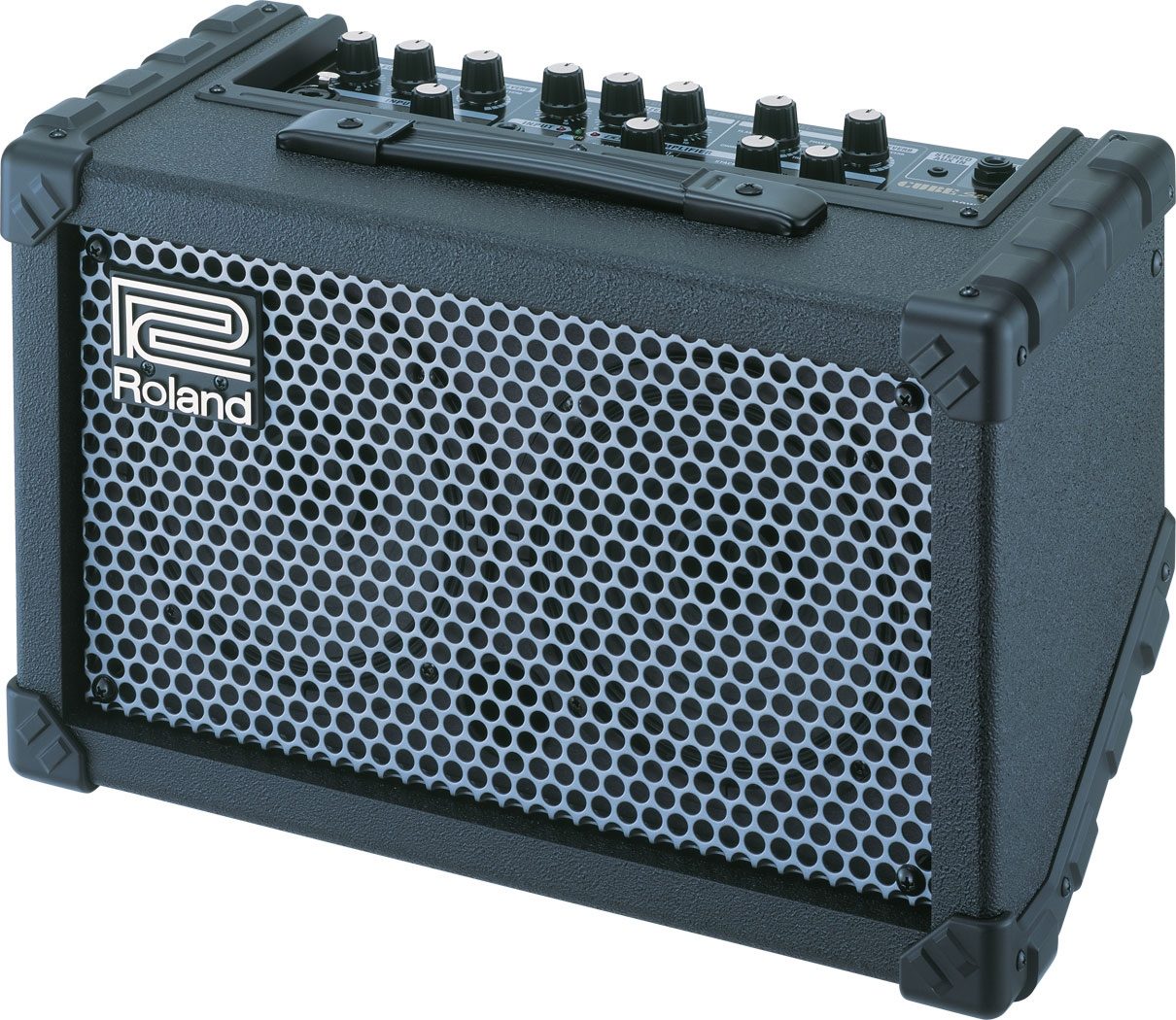
Classic black or fire-engine red? Take your pick. Like the best-selling Micro-Cube, the Cube Street comes in a choice of colors so you can express yourself musically and visually.
Reviews
Reviewers gave this product an overall rating of 5 out of 5 stars.
(22 ratings)
Submitted May 11, 2009 by a customer from aol.com
"A user-friendly product that's ready to do business"
Verified Customer
zZounds has verified that this reviewer made a purchase from us.
If the Product were upgraded, I'd strongly consider it. If Roland made a more powerful version of it, I'd get rid of my small PA.
Sound
The unit has the same basic sound of the other Cubes. The Cube is one of the best practice amps on the market. I play in bands and also am starting a one man show with Mp3's. I use this for nyrsing homes, Hospital performances, things like that. It's perfect. the volume is just right for that type of venue. This is the best investment I've made in a long time! I also find it to be the ideal practice amp for what I'm doing. I can also line it out in stereo and use the cube street as my sub-mixer for quick setups.
Features
I use everything on it. Only thong I wish it had was a volume control for the mp3 input.
Ease of Use
I had no problems with the functions at all. it is very simple.
Quality
I see no reasson why it would break down. I was in the music retail business for years and never saw a Roland amp needing service. Roland's QC is some of the best in the business.
Value
Very much so.
Manufacturer Support
I've never needed support for this product, but anytime I've needed something from Roland they've always delivered.
The Wow Factor
I don't think "Sex Appeal" applies. This is just the most practical purchase I've made out of all the gear I've purchased in the last year.
Musical Background:
Active Musician
Musical Style:
50's - 80's Rock, Acoustic, Blues
38 of 39 people (97%) people found this review helpful. Did you?
Thanks for your opinion!
No longer available at zZounds
This is a carousel with product cards. Use the previous and next buttons to navigate.
Related Accessories

This is a carousel with product cards. Use the previous and next buttons to navigate.
Related Accessories
This is a carousel with product cards. Use the previous and next buttons to navigate.
People who bought this item also bought

Gibson Les Paul Studio Electric Guitar (with Soft Case)
$1,599.00
- 18 payments of$88.83/mo
Comes in 6 Colors-
PRS Paul Reed Smith SE CE 24 Electric Guitar (with Gig Bag)
$739.00
- 12 payments of$61.58/mo
- No Credit Check6 payments of$123.17/mo
-
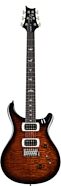
PRS Paul Reed Smith SE Custom 24 Electric Guitar (with Gig Bag)
$949.00
- 12 payments of$79.08/mo
- No Credit Check6 payments of$158.17/mo
Comes in 2 Colors-

Wylde Audio Odin Grail Rawtop Bullseye Electric Guitar
$1,499.00
- 12 payments of$124.92/mo
Comes in 3 Colors-

Gibson Les Paul Studio Session Electric Guitar (with Soft Case)
$1,999.00
- 18 payments of$111.05/mo
Comes in 6 Colors-
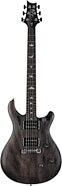
PRS Paul Reed Smith SE CE24 Standard Stoptail Electric Guitar (with Gig Bag)
$549.00
- 8 payments of$68.63/mo
- No Credit Check6 payments of$91.50/mo
Comes in 4 Colors-
Gibson Les Paul Modern Figured AAA Electric Guitar (with Case)
$2,999.00
- 18 payments of$166.61/mo
Comes in 3 Colors-